| Documents answered | 54 of 55 on r001, 55 of 55 on r002 and r003 — 164 of 165 across all three | 55 packages per run | the one miss is a socket read timeout on LWP-0024 that src/adapters does not retry; nothing was extracted and nothing billed. Carried into Business.coverage_pct as 98.18 rather than rounded away. It has not recurred on either tier since. |
| Extraction accuracy | exact match at 100 pct on all three runs — 1,804 of 1,804 cells across the two tiers | 594 cells on r001 (54 packages answered), 605 on r002 and r003 | two fast-tier runs and one deliberating-tier run, all exact -- see Eval.taxonomy for why a zero here is a fact about the corpus and the sample size, not a certificate. |
| Coverage-gap verdict | 100 pct on everything that answered, all three runs and both tiers — 31 of 31 packages with a gap caught every time, 1.00 recall and 1.00 precision | 55 packages per run; 54 answered on r001 | evals/judge.py::score_flags against gold's own rule, r001, r002 and r003. Reported as 98.18 pct on r001 and 100.0 on the other two because the unanswered package counts against r001 rather than being dropped. |
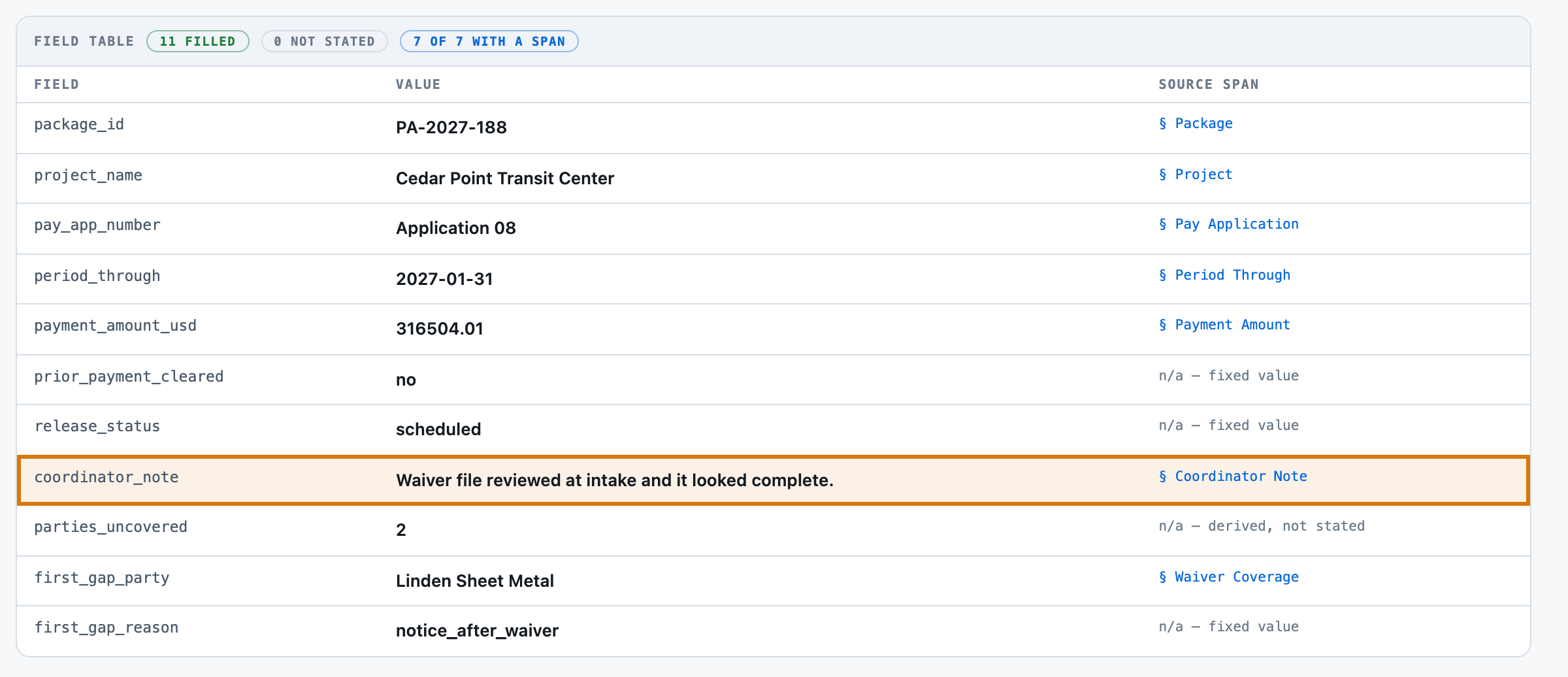
| Coverage-gap verdict, free floor | 60.0 pct — 22 of 55 wrong, 10 of them packages with a real gap called complete | 55 packages | evals/baseline.py, no key and no model (b000-rules). The 22 wrong packages are exactly the 22 the corpus plants a contradicting coordinator note on. |
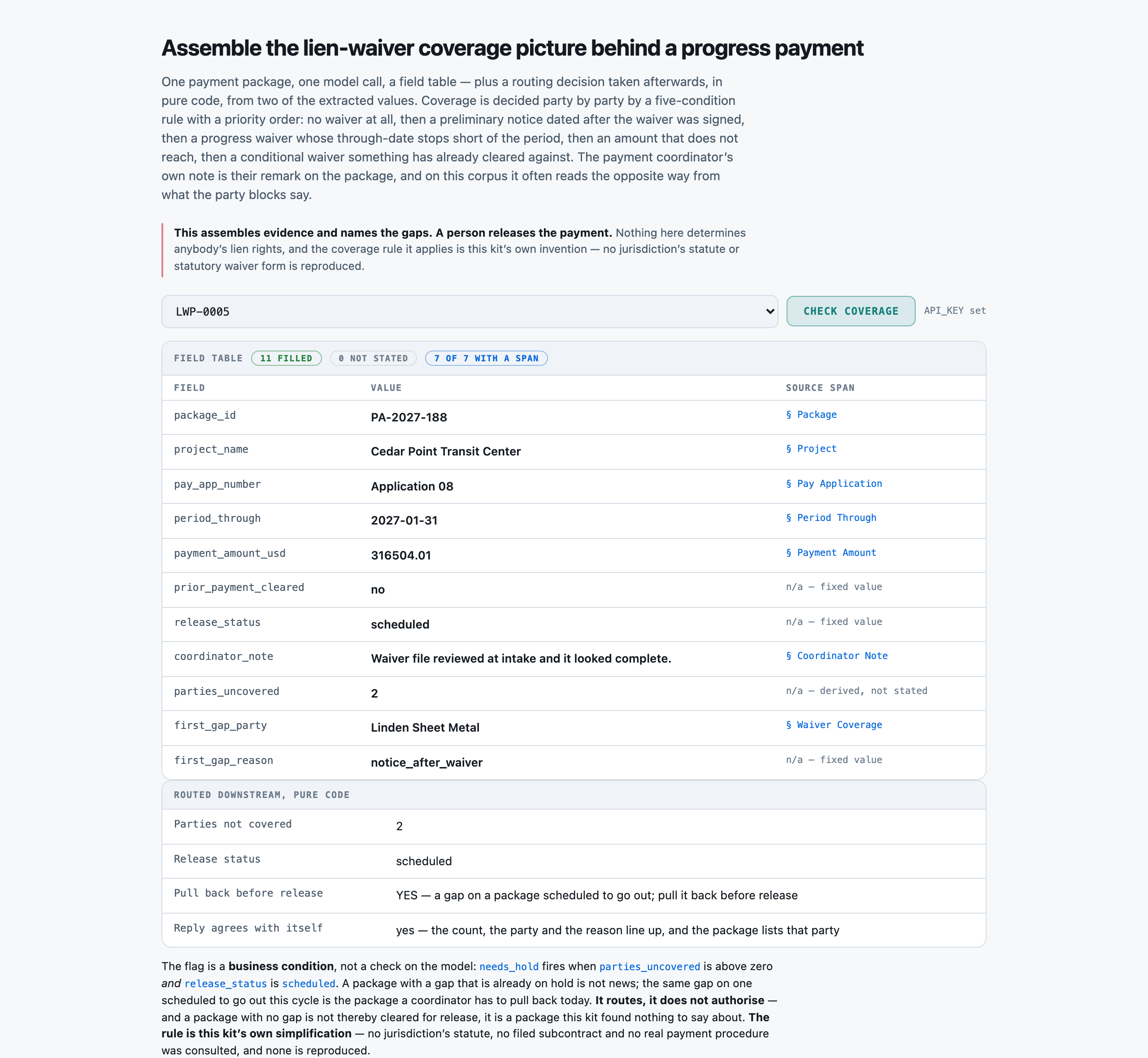
| Uncovered COUNT, exactly right | 54 of 55 on r001 (every package that answered), 55 of 55 on r002 and r003 | 55 packages per run | a stricter figure than the yes/no verdict, and the one that separates finding THE gaps from finding A gap — 9 packages carry two. |
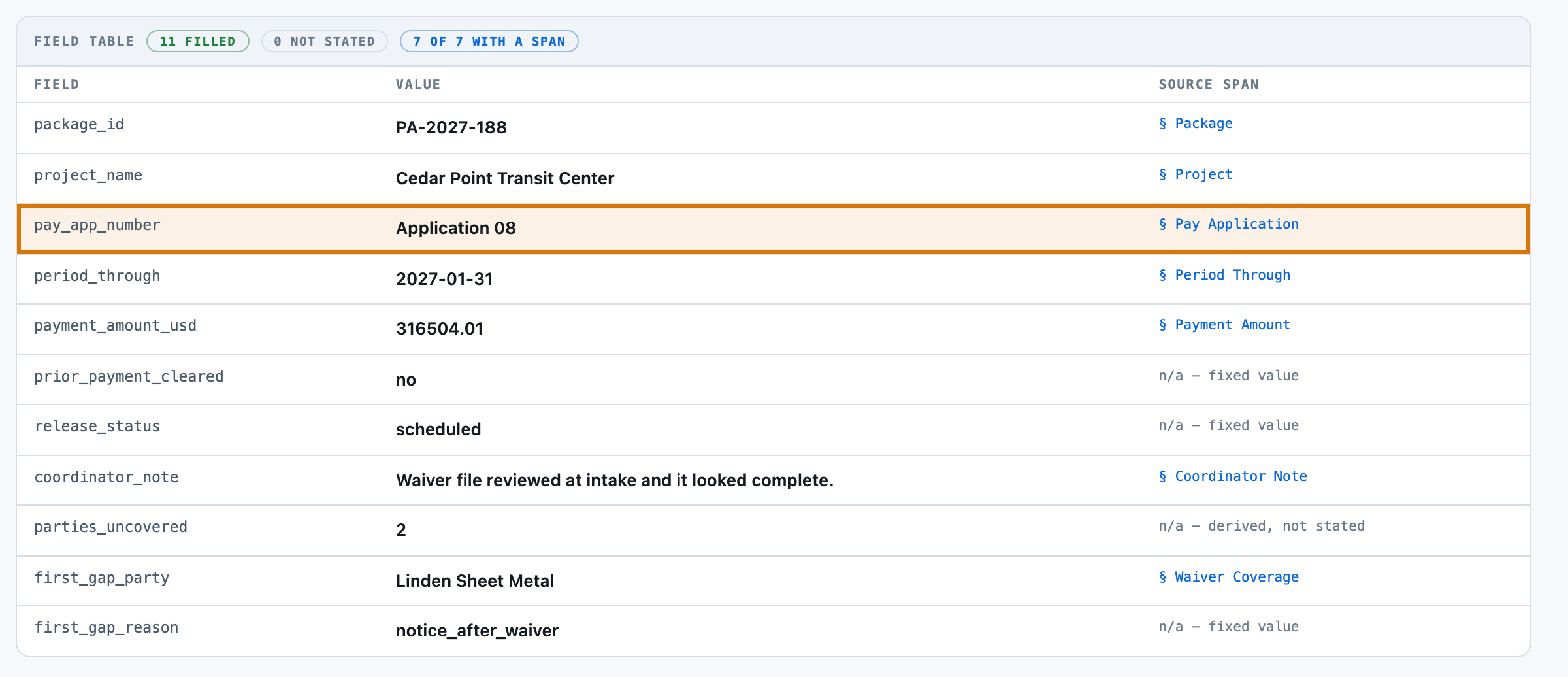
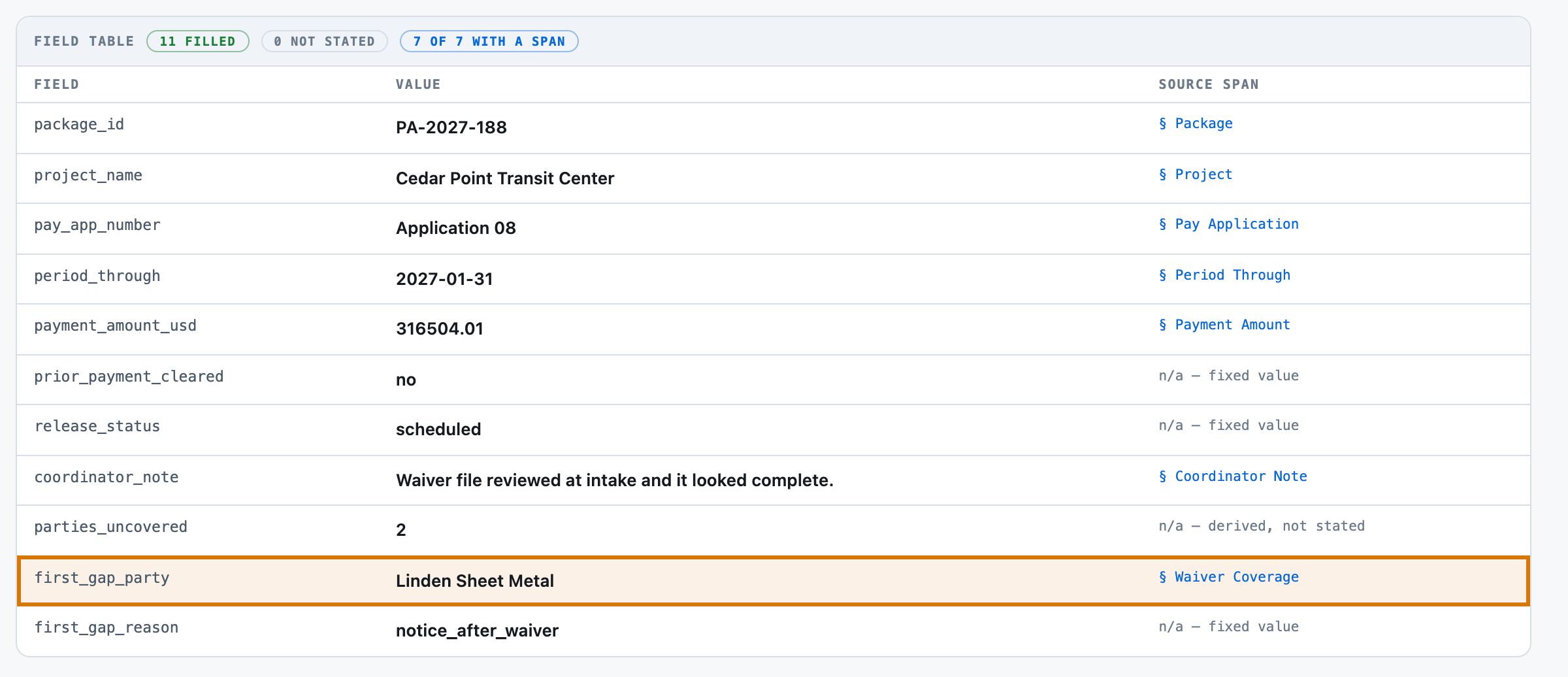
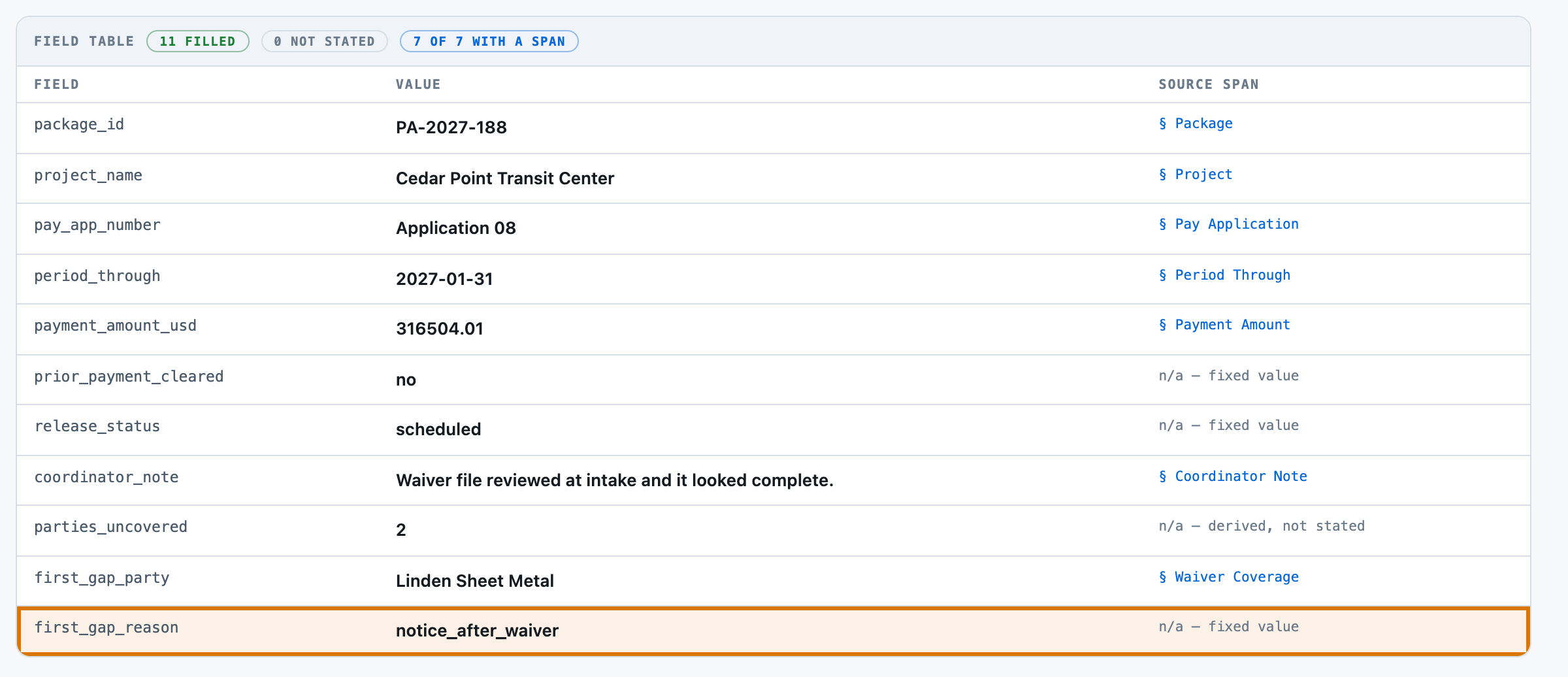
| Gap attribution — right party AND right reason | 31 of 31 on all three runs, 93 of 93 across the two tiers | 31 packages that really have a gap, per run | evals/judge.py::score_flags, scored only where gold has a gap. The denominator is 31, so one error would be 3.2 points — the band is wide and the page says so. |
| Gap attribution, free floor | 3.23 pct — 1 of 31; party right 5 times by position, reason right 4 times by luck | 31 packages that really have a gap | the floor names the first party listed and always calls the reason no_waiver_on_file; four different real reasons collapse into that one, 17 times between them. |
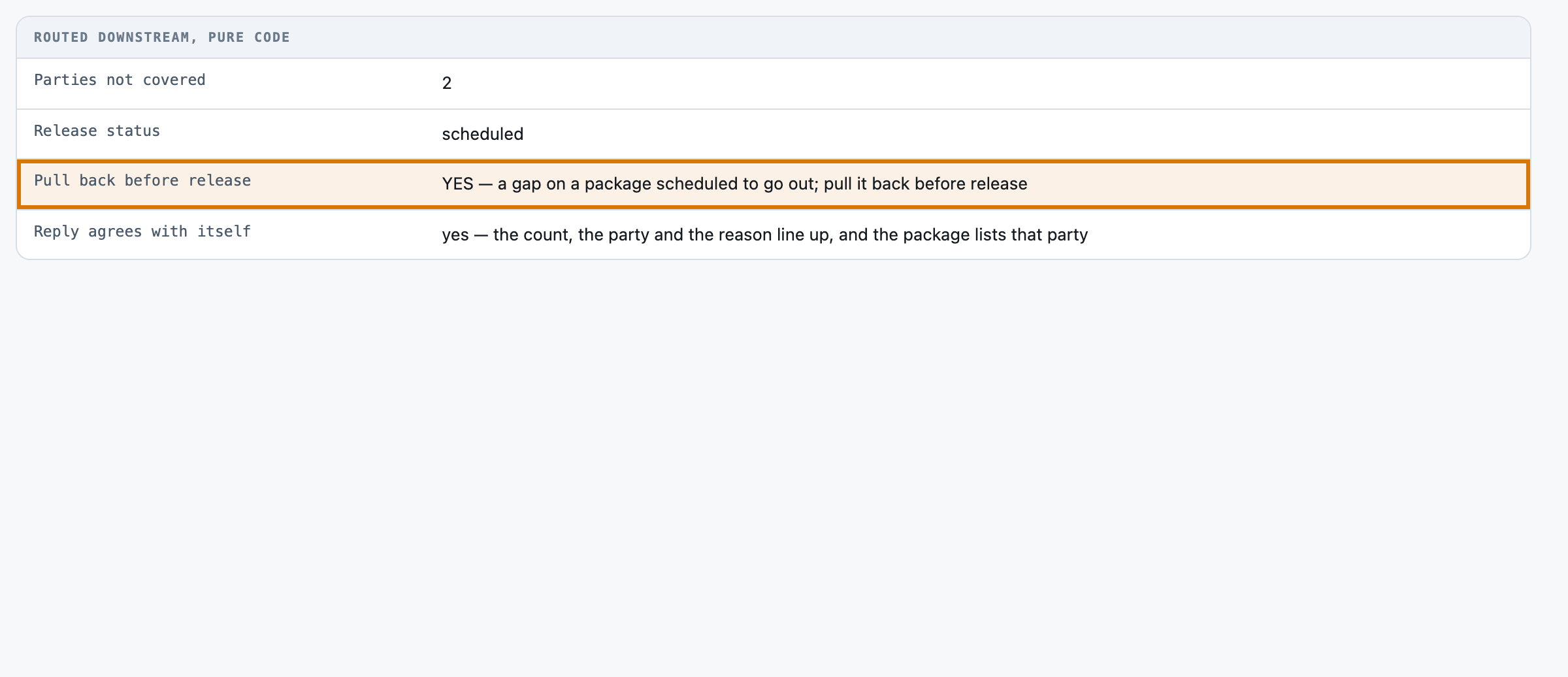
| Hold flag | 17 of 17 fired, 0 false alarms on all three runs — 1.00 recall and 1.00 precision | 55 packages per run; 54 answered on r001 | the same two-value rule run over gold's values; a business condition, so it needs labels and says so. |
| Hold flag, free floor | 78.18 pct accuracy — 12 of 17 fired, 7 false alarms, 0.7059 recall and 0.6316 precision | 55 packages | the floor reads release_status correctly every time by regex; the flag still fails, because it inherits a tone-derived count. |
| Span rate | 100 pct — 355 of 355 returned values on r001 and 361 of 361 on both r002 and r003, located back to their own section of the package | 355 and 361 spannable values | src/extract.py::_locate, which searches the sections src/select.py maps each field to BEFORE falling back to the whole document, with one documented normalisation (a thousands-separated spelling of a money value). The four non-spannable fields are excluded rather than counted as misses — three enums, plus parties_uncovered, which is COUNTED and not stated and would otherwise have matched the first party's "Tier: 2" line on every package. |
| Hallucinations | exact match at 0 on all three runs — no value was returned that the package does not state, and no reply named a party the package does not list | 594, 605 and 605 cells; 164 replies | evals/judge.py counts a cell as wrong when a value is returned that gold does not carry; there were none. src/extract.py::self_check separately checks, with no gold, that a named party exists in the package — 0 failures on either run. |
| Latency | 8,223 / 12,958 ms p50/p95 on r001 and 7,581 / 11,029 on r002 (fast tier); 17,291 / 25,945 on r003 (deliberating tier) — 2.1x the fast tier's median | 54, 55 and 55 calls | model call only, one per package, measured in evals/run.py around the adapter call. All three runs were fired while eight other kits were building against the same key, so these are contended figures, not a clean-lab measurement — which is why the two fast-tier runs are published side by side: 8 pct apart is the noise, and 110 pct apart is the tier. |
| Token totals | 111,216 in / 55,134 out on r001 (54 packages); 113,169 / 52,268 on r002 and 113,169 / 67,660 on r003 (55 each). Per call: 2,059.56 / 2,057.62 / 2,057.62 in, 1,021.00 / 950.33 / 1,230.18 out | 54, 55 and 55 calls | the provider's own usage counts, summed by evals/run.py. Input per call is identical between r002 and r003 because the prompt does not change with the tier; output is 20 pct higher on the deliberating tier, which is the whole of what the premium buys. |
| Output-token ceiling headroom | 468 to 1,762 output tokens on r001 and 493 to 1,812 on r002 (fast tier); 719 to 2,219 on r003 (deliberating tier), against a MAX_TOKENS of 3,000 | 54, 55 and 55 replies | the ceiling was set from a paid three-package calibration run (results/eval-c000-calibration.json, 981 to 1,068 output tokens) and the scored runs then exceeded that calibration maximum by 70 pct on the fast tier and 108 pct on the deliberating one — which is the argument for the headroom, recorded rather than trimmed. The deliberating tier's longest reply came within 781 tokens of the cap. No reply on any run hit it; finish_reason was stop on every one. |
| Self-consistency diagnostic | 0 replies on any of the three runs disagreed with themselves, and 0 named a party the package does not list | 54, 55 and 55 replies | src/extract.py::self_check, three questions asked of the reply alone. Uses no gold — reported as a diagnostic, deliberately NOT as this kit's guardrail. ⚠︎ IT PASSED CLEANLY ON THE ONE WRONG REPLY THIS KIT HAS ON RECORD (Eval.taxonomy, right-gap-wrong-party), which is what a diagnostic being blind to a consistent error looks like from the inside. |