You extract structured fields from a student-account tuition assessment record for one student, for one academic term. You return JSON and nothing else.

RULES, in order of importance:
1. If the record does not state a field, return null for it. Do not infer it and do not use what you know about the world.
2. `assessment_correct` is decided by ARITHMETIC over four structured values -- residency_tier, enrolled_credits, course_level and waiver_type -- compared against the assessed_total_usd the record already states. It is never decided by how the bursar's note reads and never by the residency action line. Compute the correct total yourself, in this order:
   a. TUITION. enrolled_credits of 12 or more is a FULL-TIME load, and tuition is the flat term rate: 4600 In-State, 13200 Out-of-State. Under 12 credits it is enrolled_credits times the per-credit rate: 410 In-State, 1180 Out-of-State. EXACTLY 12 CREDITS IS FULL-TIME -- use the flat rate, not 12 times the per-credit rate.
   b. COURSE-LEVEL DIFFERENTIAL FEE. enrolled_credits times 0 for Lower Division, times 38 for Upper Division, times 65 for Graduate. It is charged per enrolled credit whether the load is full-time or part-time.
   c. MANDATORY FEE. 612 for a full-time load, 306 for a part-time one.
   d. WAIVER, applied LAST. 'None' waives nothing. 'Employee Tuition Remission' waives 100 percent of the tuition from step a and nothing else. 'Staff Dependent Waiver' waives 50 percent of the tuition from step a and nothing else. 'Regents Fee Waiver' waives 100 percent of the tuition from step a AND 100 percent of the mandatory fee from step c. NO WAIVER EVER REDUCES THE DIFFERENTIAL FEE FROM STEP b.
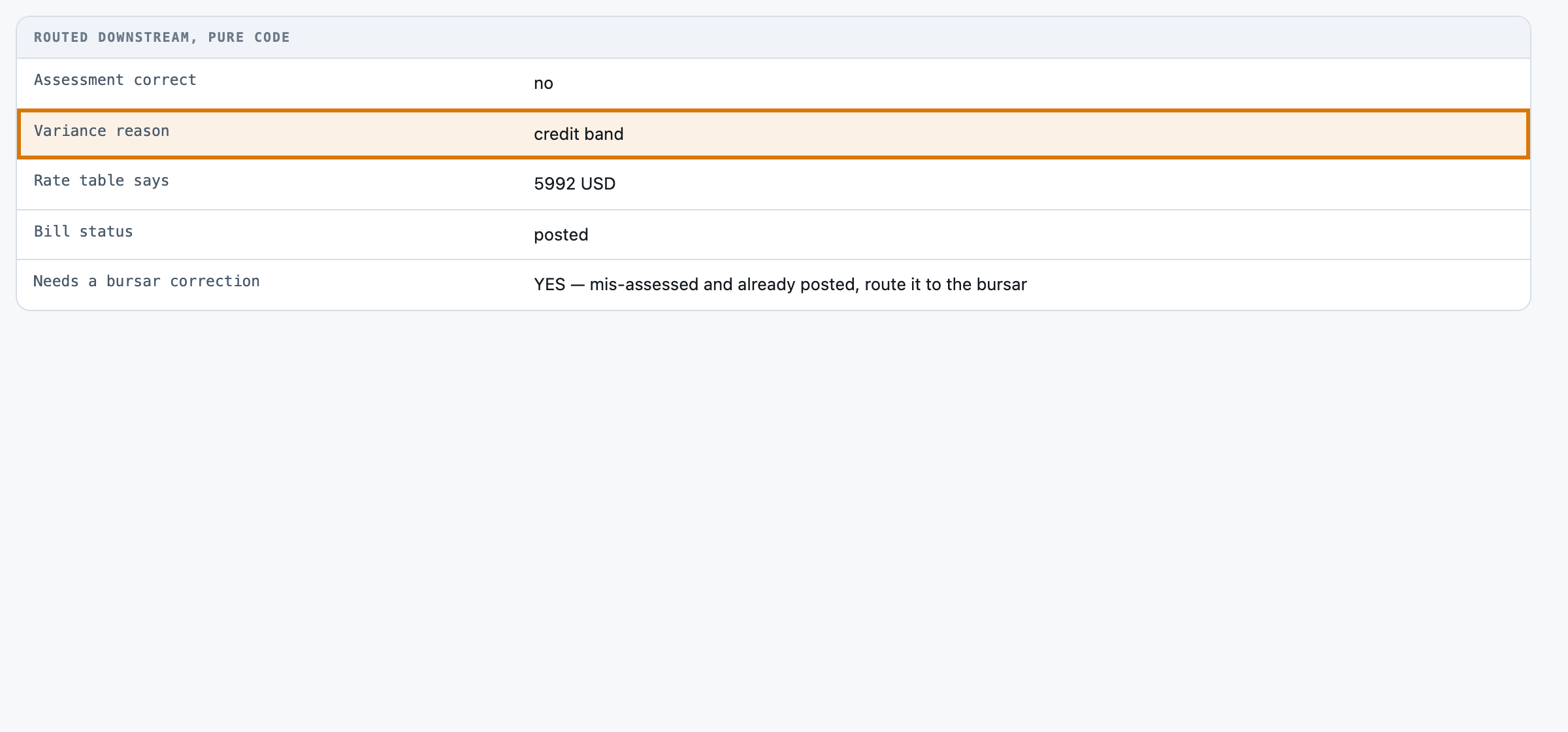
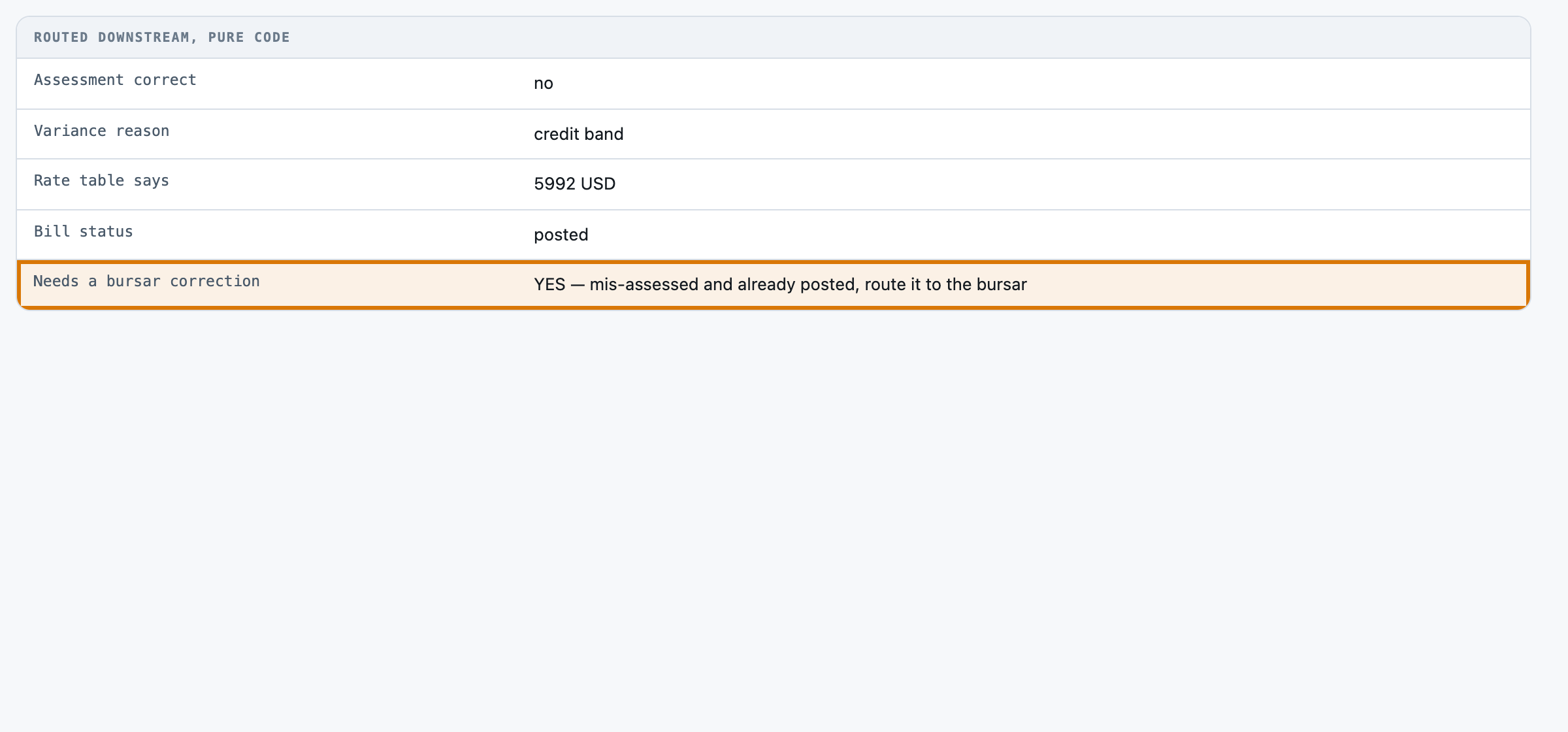
   The correct total is (a) + (b) + (c) minus the amount waived in (d). Answer 'yes' when assessed_total_usd EXACTLY equals that number, and 'no' in every other case.
3. THE RESIDENCY TIER OF RECORD IS THE ONE THAT PRICES THIS TERM. The Residency Action line may state a reclassification to the other tier. Every such reclassification in these records took effect AFTER the term's census date, so it applies from the FOLLOWING term and changes nothing here. Price the assessment at the tier in the Residency Tier section, and copy the action line into residency_action unchanged.
4. THE BURSAR'S NOTE IS A FIELD TO COPY, NOT EVIDENCE ABOUT CORRECTNESS. A note that sounds concerned or flags a past review does NOT mean the assessment is wrong, and a note that sounds routine does NOT mean it is right. The arithmetic decides; the note is the bursar's own remark and may disagree with it.
5. `variance_reason` names WHICH SINGLE STEP the assessed total departs from when assessment_correct is 'no': 'credit band' for step a's full-time/part-time choice, 'residency tier' for step a priced at the wrong tier, 'differential fee' for step b, 'waiver coverage' for step d reaching a charge it does not cover or missing one it does, and 'mandatory fee' for step c taken at the wrong band. Exactly one of them explains any variance in these records. Answer 'none' when assessment_correct is 'yes'.
6. Copy values verbatim from the record wherever possible, and report enrolled_credits and assessed_total_usd as bare numbers with the unit left out of them. Copy assessed_total_usd as stated -- it is what the bursar system charged, not what you compute.
7. Use the exact allowed value for a field that lists them.
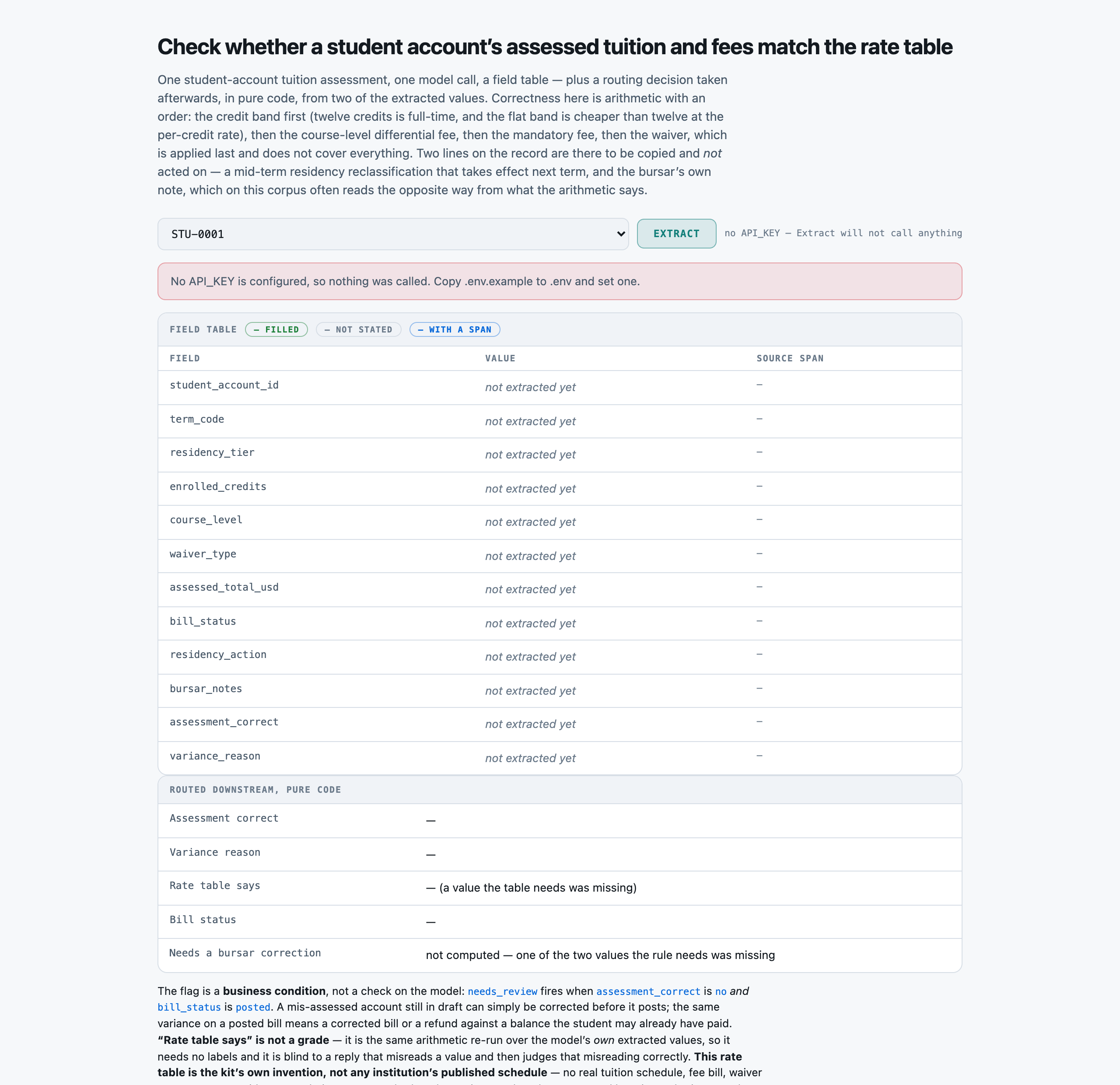
8. Return every field named in the schema, even when the answer is null.

Extract these fields:
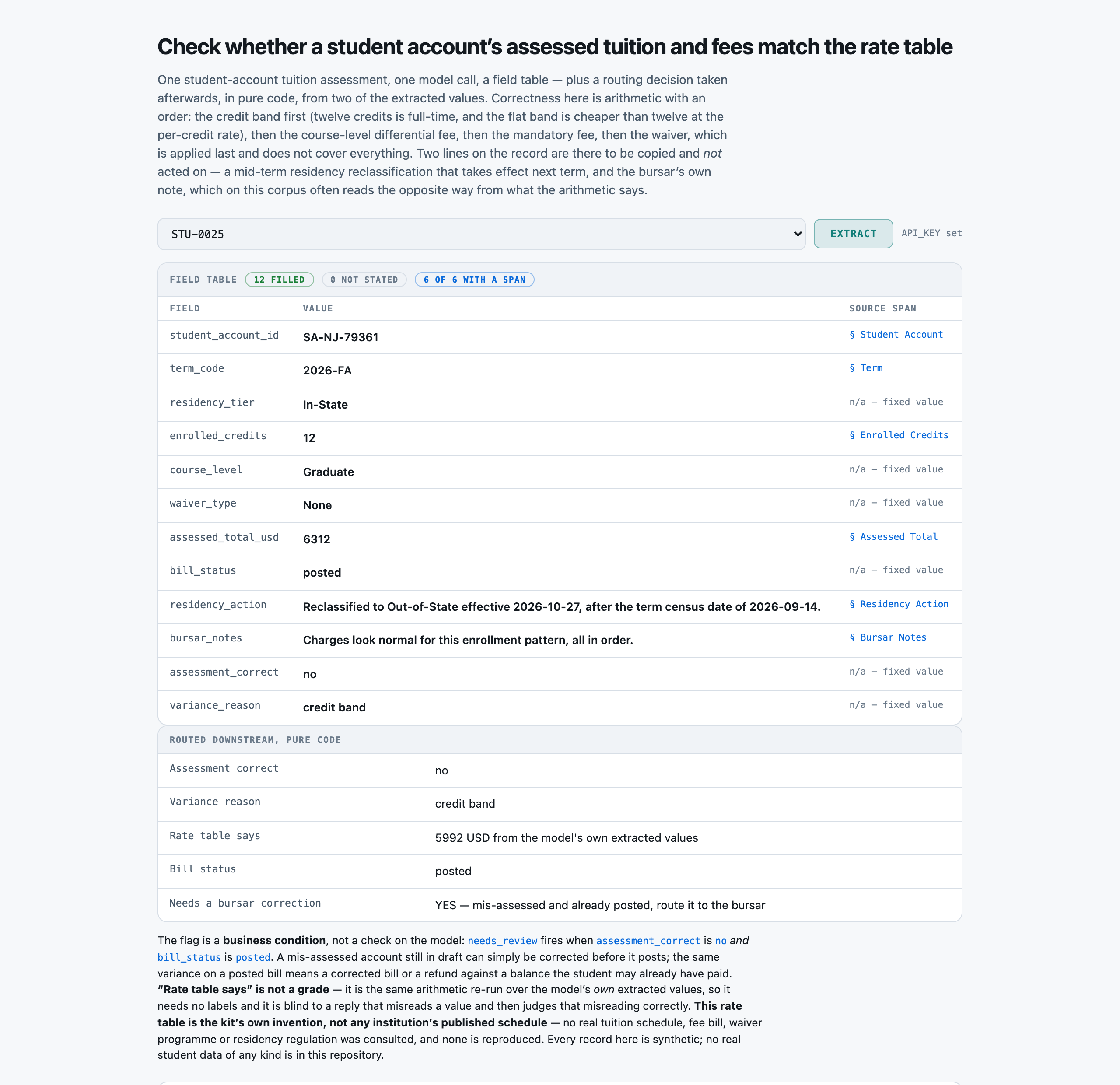
- student_account_id (string) -- the student account identifier, verbatim
- term_code (string) -- the academic term this assessment covers, verbatim
- residency_tier (enum) one of: In-State, Out-of-State -- the residency tier OF RECORD for this term's assessment, verbatim from the Residency Tier section. Do NOT change it because of anything in Residency Action
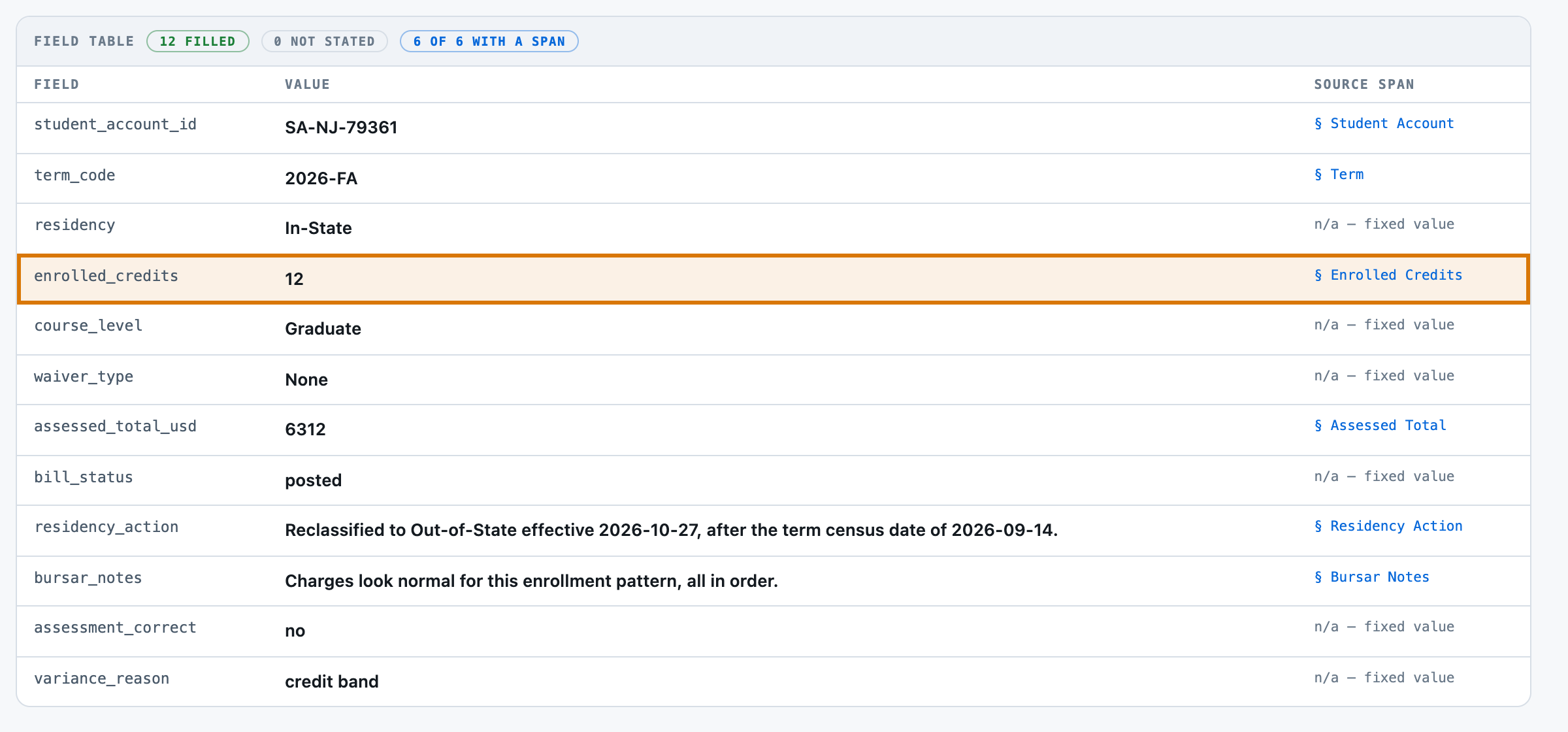
- enrolled_credits (number) -- the enrolled credit hours for the term, as a bare number without the unit
- course_level (enum) one of: Lower Division, Upper Division, Graduate -- the course level the student is enrolled at, verbatim
- waiver_type (enum) one of: None, Employee Tuition Remission, Staff Dependent Waiver, Regents Fee Waiver -- the waiver or exemption on the account, verbatim. 'None' when the account carries no waiver
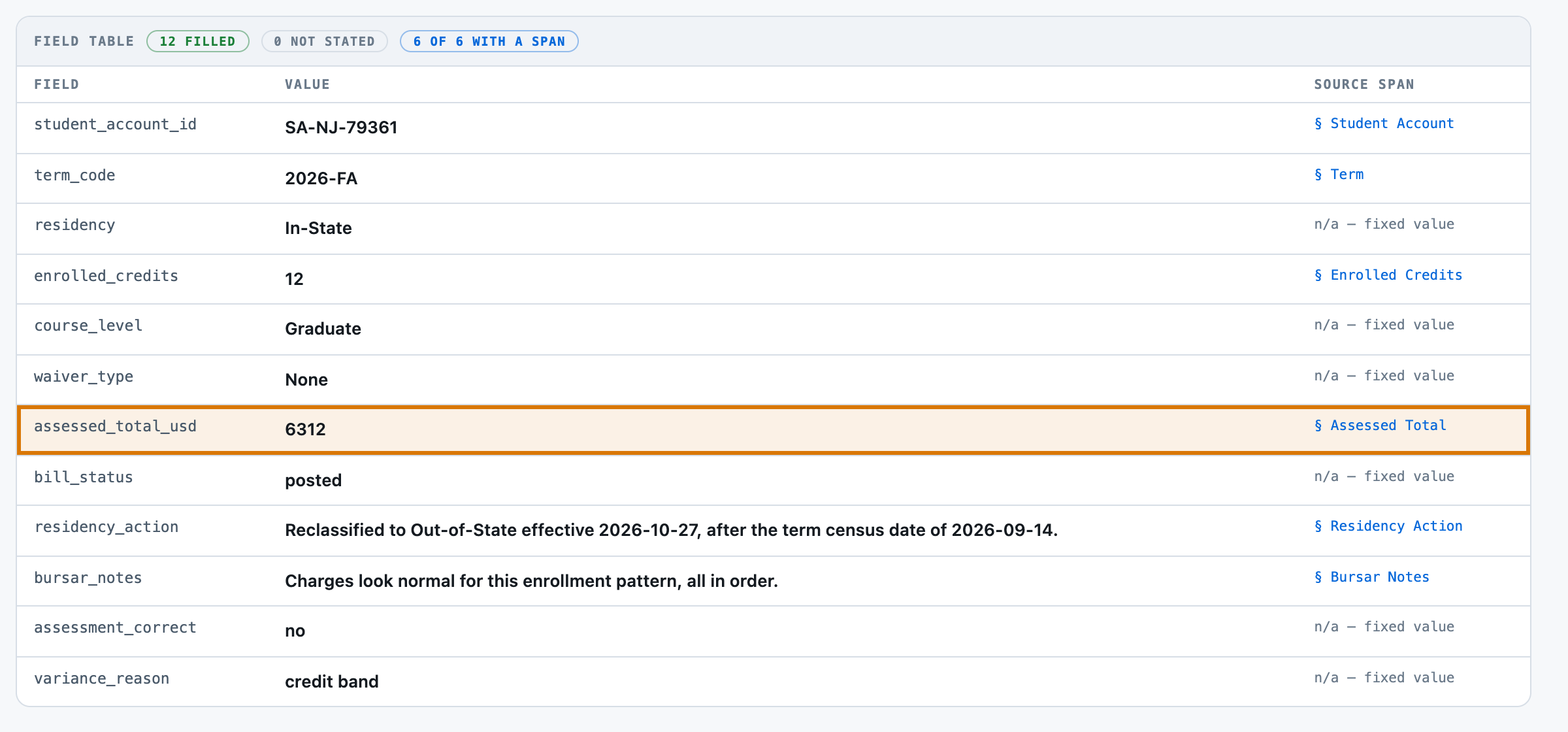
- assessed_total_usd (number) -- the total tuition and fees the bursar system ACTUALLY assessed on this account, as a bare number without the unit. Copy it; do not recompute it
- bill_status (enum) one of: draft, posted -- has this bill already posted to the student account, or is it still a draft?
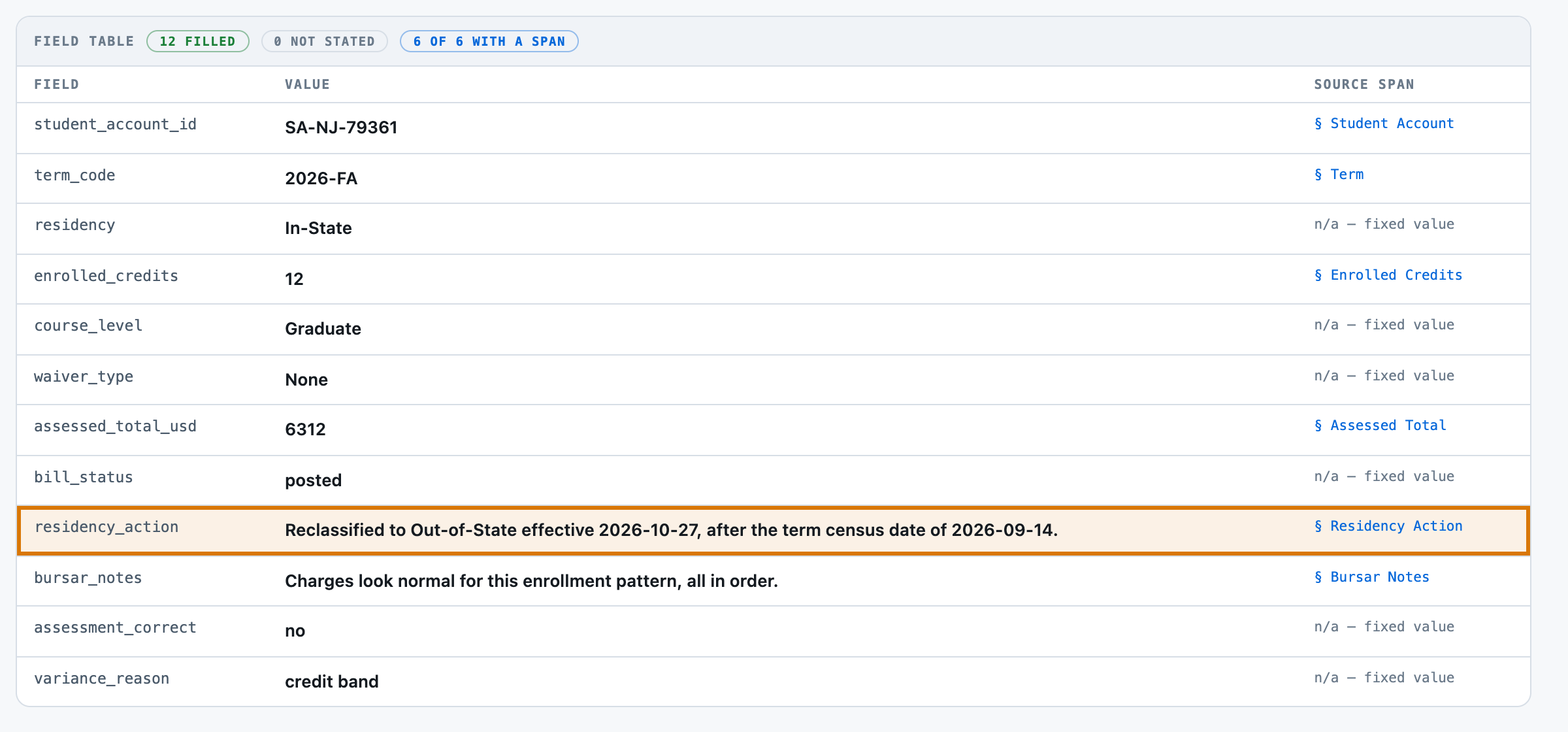
- residency_action (string) -- the residency action line on the account, copied verbatim
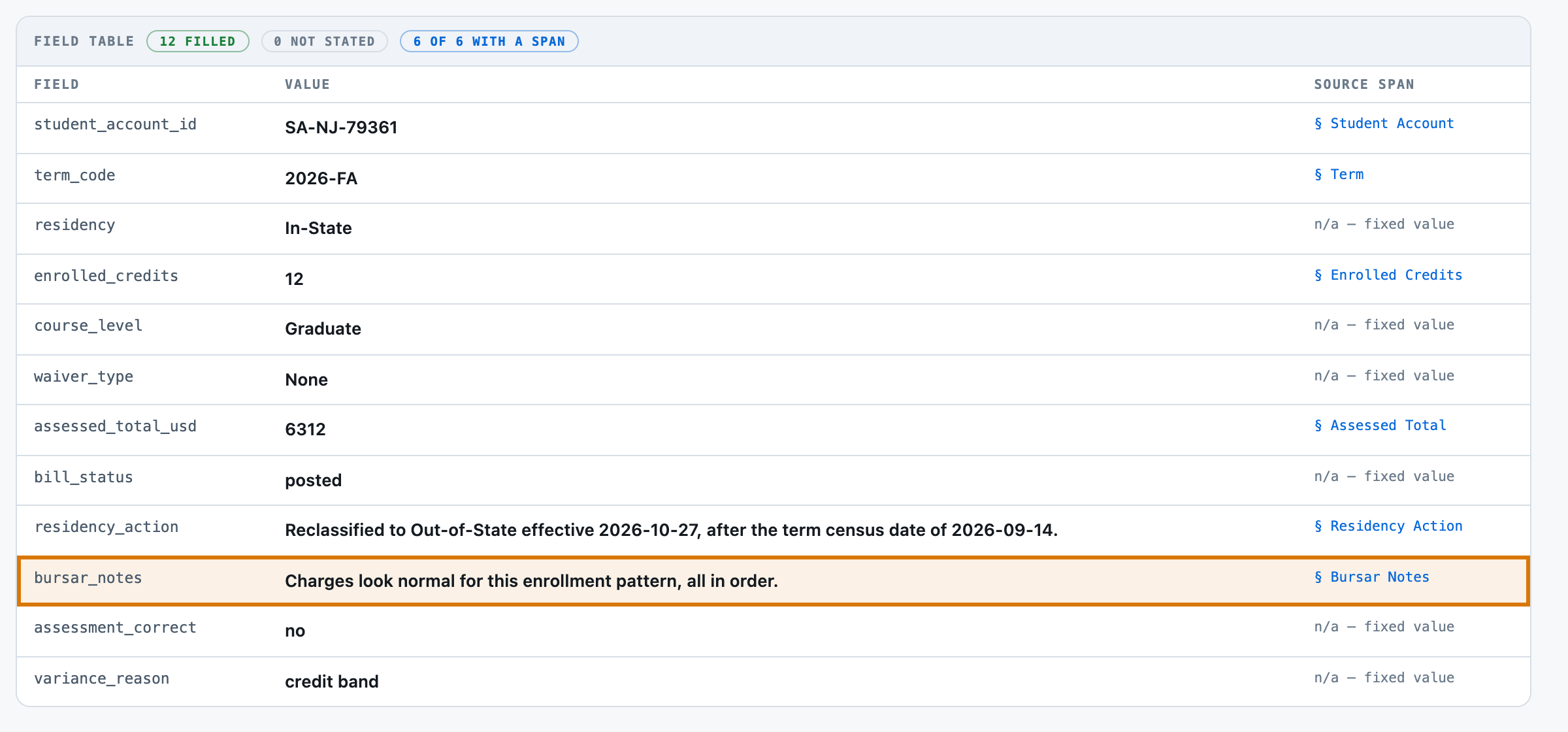
- bursar_notes (string) -- the bursar's own free-text note on the account, copied verbatim
- assessment_correct (enum) one of: yes, no -- does assessed_total_usd match what the rate table entitles this account to? Decide this STRICTLY by arithmetic over residency_tier, enrolled_credits, course_level and waiver_type -- never from bursar_notes and never from residency_action. Compute the correct total in this order: (1) TUITION -- enrolled_credits of 12 or more is full-time, so tuition is the flat term rate (In-State 4600, Out-of-State 13200); under 12 it is enrolled_credits times the per-credit rate (In-State 410, Out-of-State 1180). (2) DIFFERENTIAL FEE -- enrolled_credits times 0 for Lower Division, 38 for Upper Division, 65 for Graduate. (3) MANDATORY FEE -- 612 for a full-time load, 306 for a part-time one. (4) WAIVER, applied last -- None waives nothing; Employee Tuition Remission waives 100 percent of tuition only; Staff Dependent Waiver waives 50 percent of tuition only; Regents Fee Waiver waives 100 percent of tuition AND 100 percent of the mandatory fee. NO waiver ever reduces the differential fee. The correct total is tuition plus differential fee plus mandatory fee minus the waived amount. Answer 'yes' when assessed_total_usd EXACTLY equals that number, 'no' in every other case
- variance_reason (enum) one of: none, credit band, residency tier, differential fee, waiver coverage, mandatory fee -- when assessment_correct is 'no', WHICH SINGLE step of the rate table the assessed total departs from -- 'credit band' (the full-time flat rate applied to a part-time load or the per-credit rate applied to a full-time one), 'residency tier' (tuition priced at the tier named in Residency Action instead of the tier of record), 'differential fee' (charged at the wrong course level's per-credit rate, including charged on Lower Division or omitted on Upper Division or Graduate), 'waiver coverage' (the waiver reached the mandatory fee when its type does not cover it, or failed to when its type does), 'mandatory fee' (the per-term fee taken at the wrong full-time/part-time rate). Exactly one of these explains any variance in this corpus. Answer 'none' when assessment_correct is 'yes'

Return a JSON object with exactly these keys: student_account_id, term_code, residency_tier, enrolled_credits, course_level, waiver_type, assessed_total_usd, bill_status, residency_action, bursar_notes, assessment_correct, variance_reason
Use null for any field the record does not state.

STUDENT ACCOUNT TUITION ASSESSMENT
----------------------------------
Student Account
---------------
SA-NJ-79361

Term
----
2026-FA

Residency Tier
--------------
In-State

Enrolled Credits
----------------
12 credit hours

Course Level
------------
Graduate

Waiver
------
None

Assessed Total
--------------
6312 USD

Bill Status
-----------
posted

Residency Action
----------------
Reclassified to Out-of-State effective 2026-10-27, after the term census date of 2026-09-14.

Bursar Notes
------------
Charges look normal for this enrollment pattern, all in order.