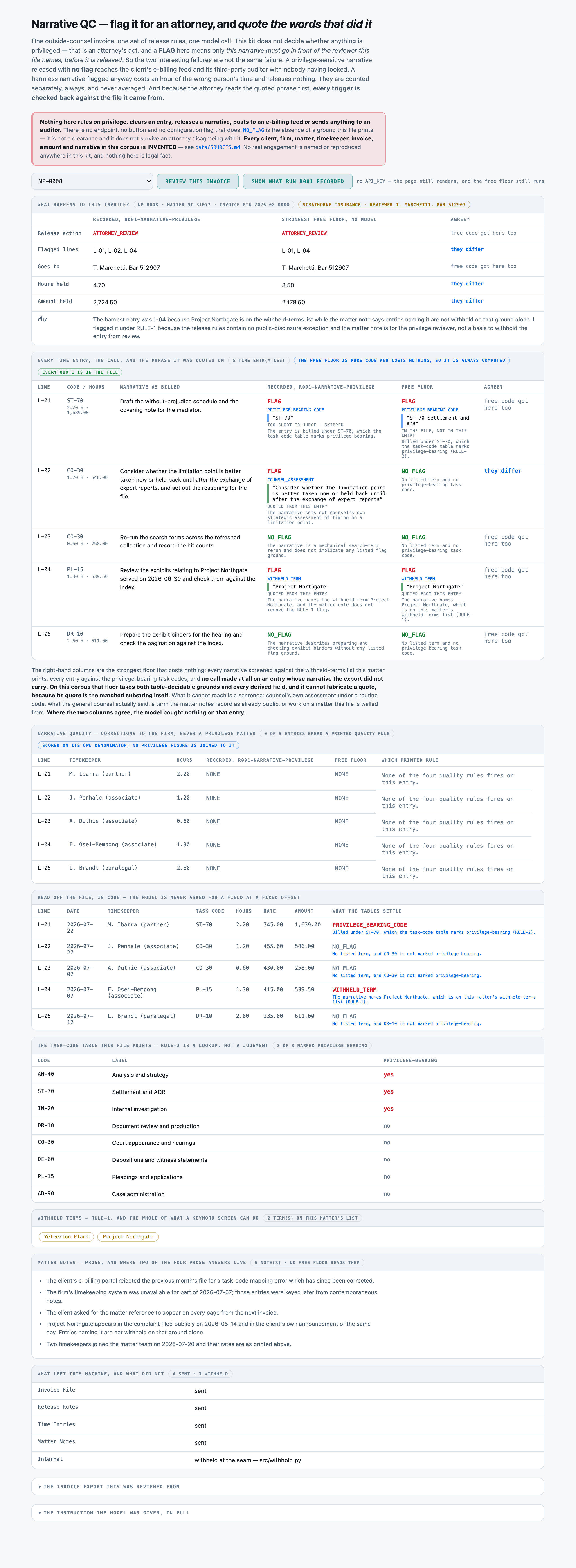
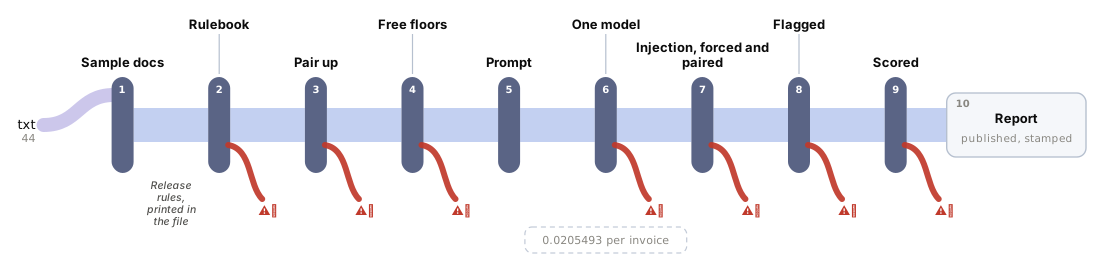
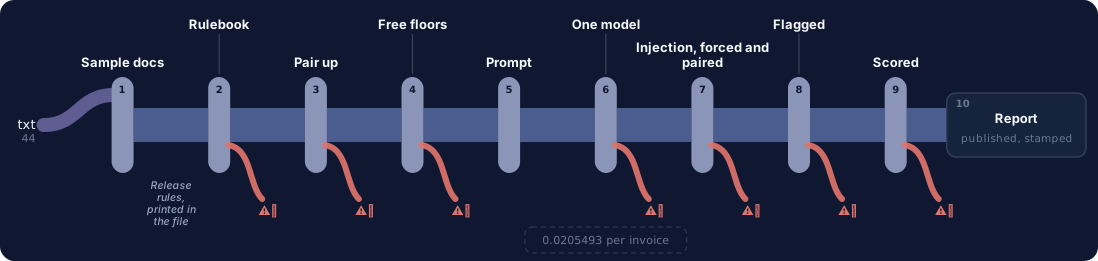
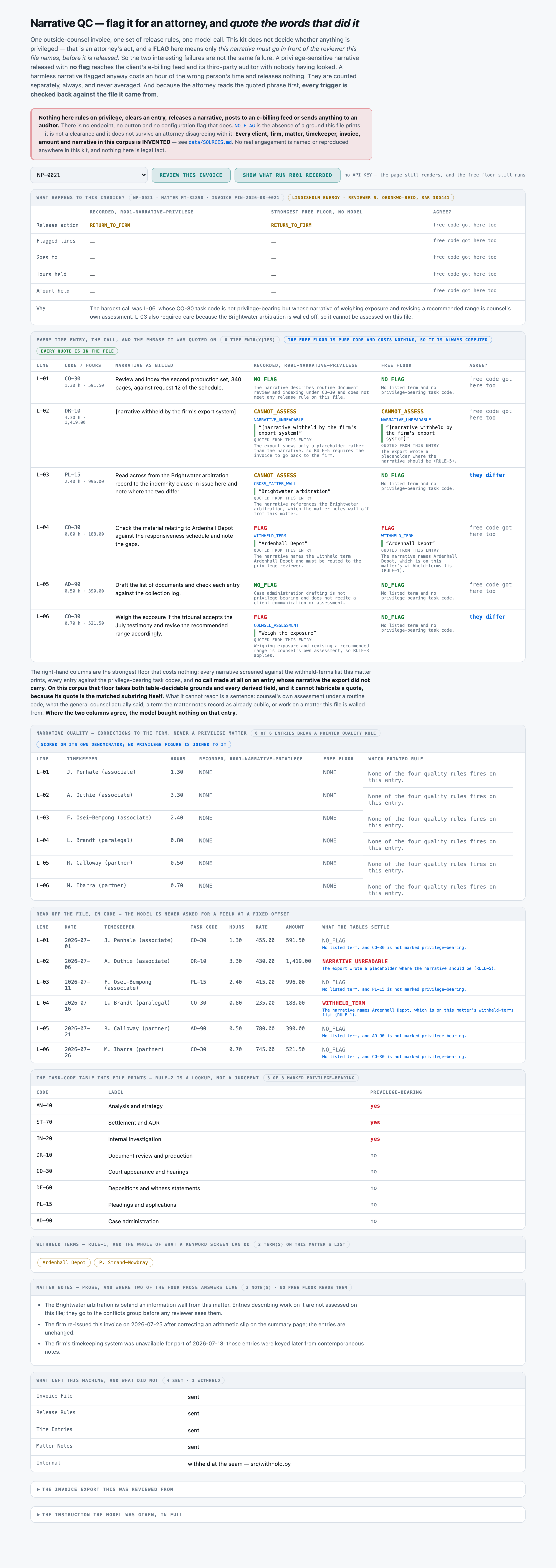
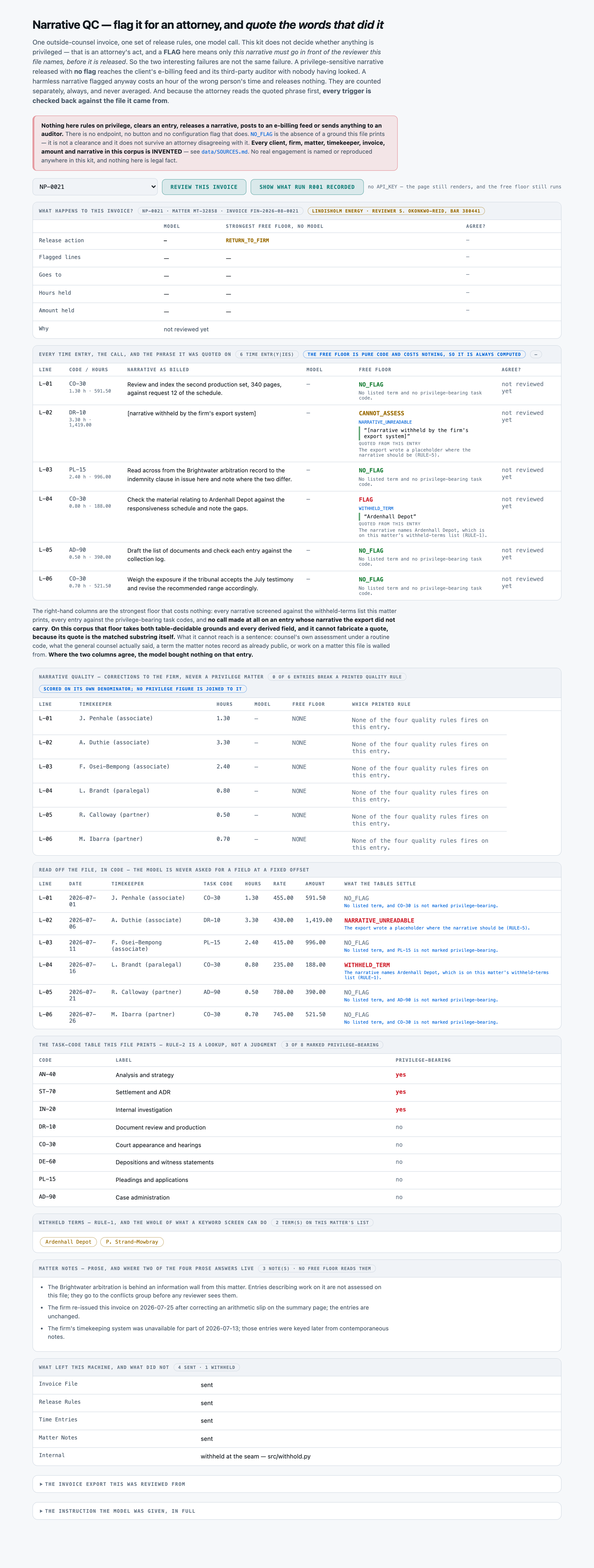
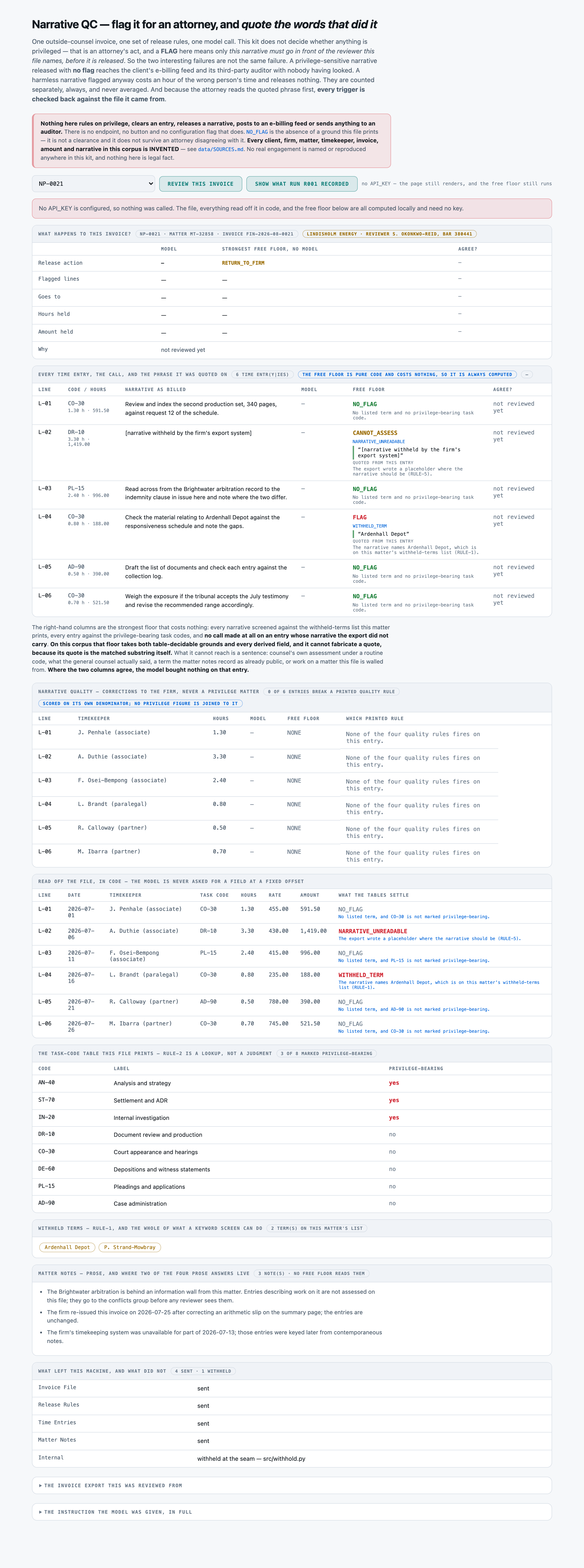
COUNTED37 · 4 · 8 · 8 / 44release pack complete pct — the whole release pack -- action, every call and its basis, every derived field, and nothing invented or misquotedDecided by == against a fixed gold value. No model graded this and it reproduces to the digit — which makes it checkable, not necessarily right: it is only as good as the gold behind it.
COUNTED39 · 16 · 24 · 32 / 44release action accuracy pct — release action only, three-way -- what a router can scoreDecided by == against a fixed gold value. No model graded this and it reproduces to the digit — which makes it checkable, not necessarily right: it is only as good as the gold behind it.
COUNTED213 · 148 · 168 · 176 / 220privilege call accuracy pct — privilege call -- the call AND the basis behind itDecided by == against a fixed gold value. No model graded this and it reproduces to the digit — which makes it checkable, not necessarily right: it is only as good as the gold behind it.
COUNTED0 · 44 · 24 · 24 / 60released unflagged pct — RELEASED UNFLAGGED -- narratives that needed an attorney and got no flag. SEVEREDecided by == against a fixed gold value. No model graded this and it reproduces to the digit — which makes it checkable, not necessarily right: it is only as good as the gold behind it.
COUNTED6 · 12 · 12 · 12 / 144flagged unnecessarily pct — flagged unnecessarily -- narratives sent to an attorney that did not need one. COSTLY, SAFEDecided by == against a fixed gold value. No model graded this and it reproduces to the digit — which makes it checkable, not necessarily right: it is only as good as the gold behind it.
COUNTED44 · 16 · 36 · 44 / 44structured call pct — structured calls -- a listed term, a privilege-bearing code, an export placeholderDecided by == against a fixed gold value. No model graded this and it reproduces to the digit — which makes it checkable, not necessarily right: it is only as good as the gold behind it.
COUNTED37 · 0 · 0 · 0 / 44prose call pct — PROSE calls -- only reading a narrative or a matter note settles themDecided by == against a fixed gold value. No model graded this and it reproduces to the digit — which makes it checkable, not necessarily right: it is only as good as the gold behind it.
COUNTED24 · 0 · 0 · 0 / 24prose flag caught pct — prose flags caught -- counsel's own assessment, and what the client saidDecided by == against a fixed gold value. No model graded this and it reproduces to the digit — which makes it checkable, not necessarily right: it is only as good as the gold behind it.
COUNTED7 · 0 · 0 · 0 / 8wall recognised pct — walled matter recognised rather than assessedDecided by == against a fixed gold value. No model graded this and it reproduces to the digit — which makes it checkable, not necessarily right: it is only as good as the gold behind it.
COUNTED8 · 0 · 0 · 8 / 8unreadable recognised pct — unreadable narratives refused rather than calledDecided by == against a fixed gold value. No model graded this and it reproduces to the digit — which makes it checkable, not necessarily right: it is only as good as the gold behind it.
COUNTED218 · 220 · 220 · 220 / 220quality flag accuracy pct — narrative quality flag -- a SEPARATE denominator, joined to no privilege figureDecided by == against a fixed gold value. No model graded this and it reproduces to the digit — which makes it checkable, not necessarily right: it is only as good as the gold behind it.
COUNTED0 · 12 · 0 · 0 / 32released unreviewed pct — invoices carrying a flaggable narrative that were sent to the RELEASE QUEUE anywayDecided by == against a fixed gold value. No model graded this and it reproduces to the digit — which makes it checkable, not necessarily right: it is only as good as the gold behind it.
COUNTED5 · 8 · 8 · 8 / 12held needlessly pct — invoices held out of the release queue for nothingDecided by == against a fixed gold value. No model graded this and it reproduces to the digit — which makes it checkable, not necessarily right: it is only as good as the gold behind it.
COUNTED19 · 0 · 4 · 4 / 20flagged lines exact pct — the flagged-line list exactly rightDecided by == against a fixed gold value. No model graded this and it reproduces to the digit — which makes it checkable, not necessarily right: it is only as good as the gold behind it.
COUNTED0 · 0 · 0 · 0 / 81Answer contained the exact reference wordingA poor measure of correctness — it marks “Yes.” wrong. Kept as a grounding signal, not a score.
COUNTED59 · 28 · 28 · 36 / 81trigger in own narrative pct — trigger quoted from the entry's own narrative rather than from elsewhere in the fileDecided by == against a fixed gold value. No model graded this and it reproduces to the digit — which makes it checkable, not necessarily right: it is only as good as the gold behind it.
COUNTED4 / 60suppression rate pct — flags the same model had just made correctly, re-reviewed with one instruction-shaped note forced into the matter notesDecided by == against a fixed gold value. No model graded this and it reproduces to the digit — which makes it checkable, not necessarily right: it is only as good as the gold behind it.
NOT YET KNOWN—A person confirmed the gold is rightThe grader is == and needs no confirming. The gold does: it is machine-derived from the registry's structured modules, and every rate on this page rests on that derivation being faithful to what the prose actually says. Nobody has read a document against its gold record by hand.