Why it matters
Today's manual process, and the same job with the app
An accounts payable reviewer at a government office, checking the disbursement register for payments already made.
✕Today's manual process
1Print the disbursement register and scan every line for a payment that looks familiar.
2Check names and amounts against memory, hoping a repeat invoice stands out.
3Search for the second payment by paging back through old registers on the shared drive.
4A duplicate slips through and the office pays the same bill twice.
Every payment checked from memory
✓With the app
1The register is read and every payment is compared against every other one.
2A matching pair turns up same payee, same invoice, paid twice under a different method.
3The reason is named a plain sentence a reviewer can check in seconds.
4One of the two payments stops before the money leaves a second time.
A reviewer confirms only real duplicates
See it work
One real case, read by the app, step by step
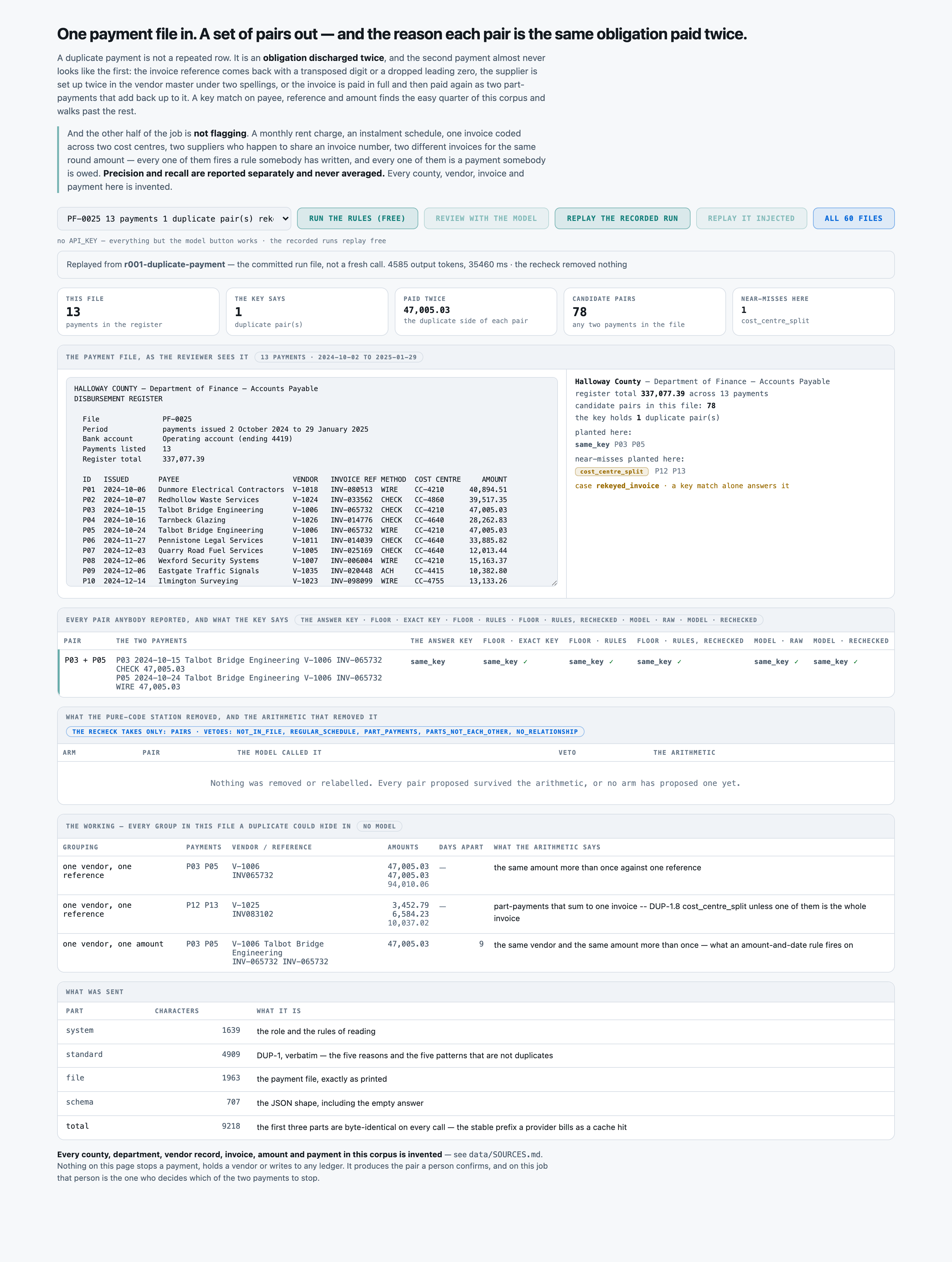
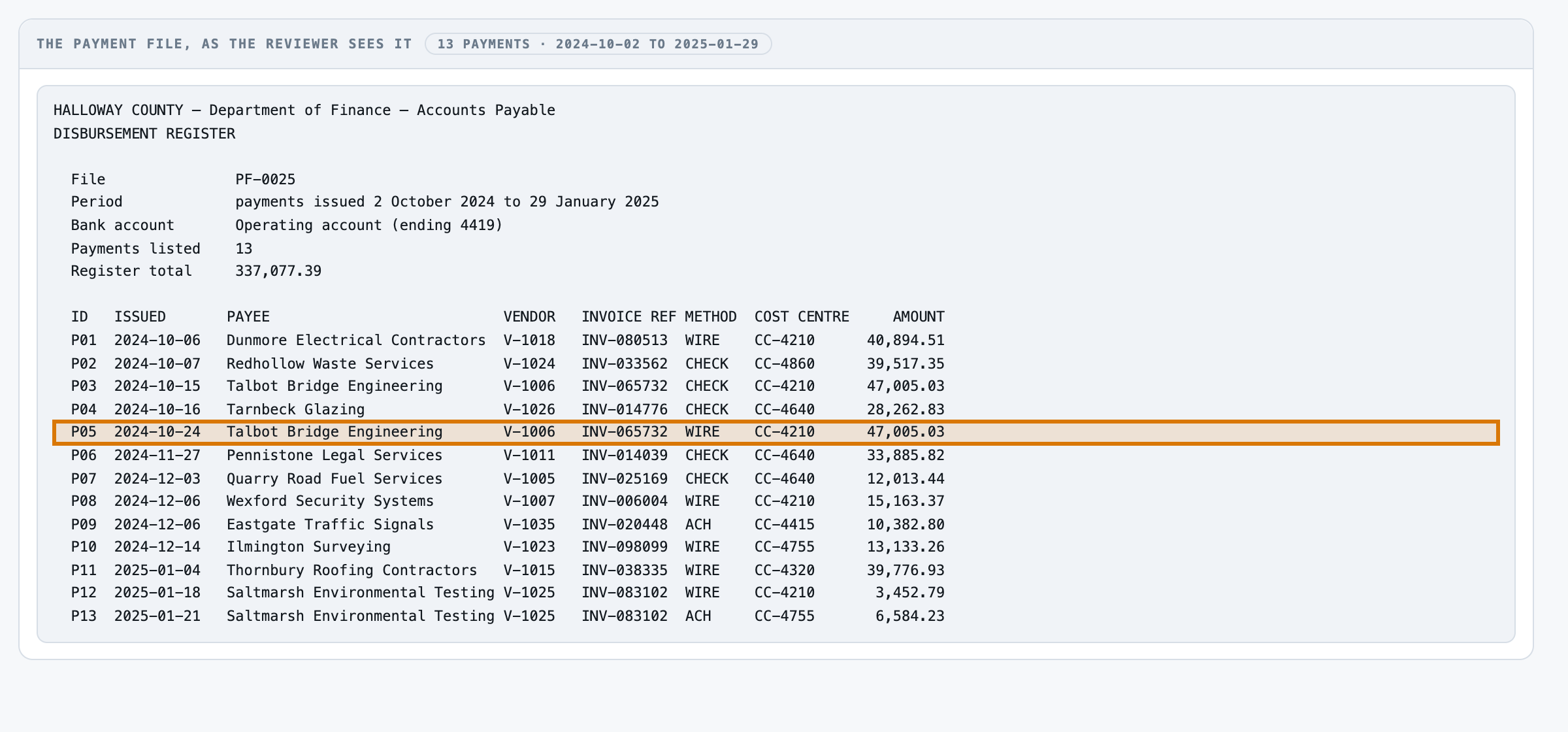
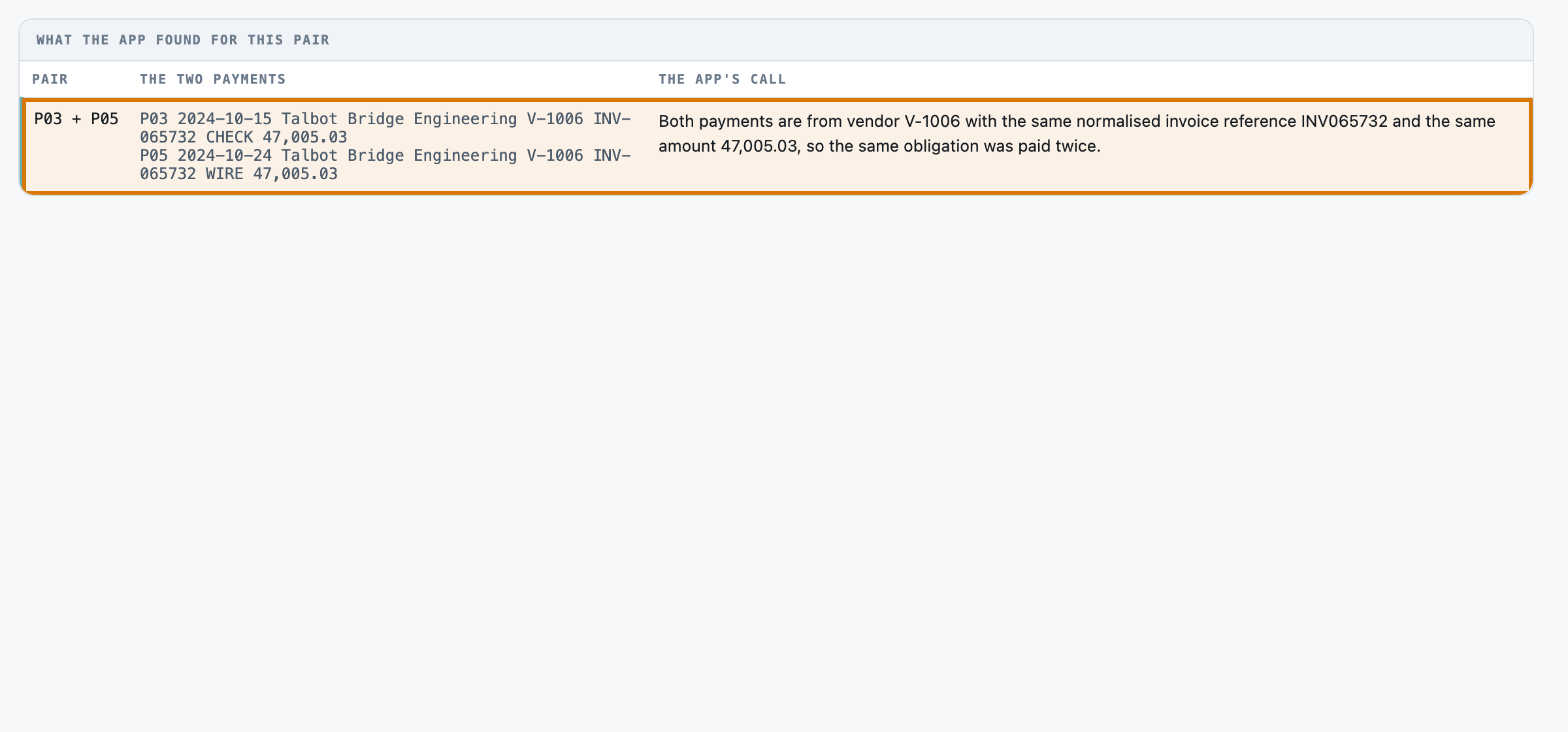
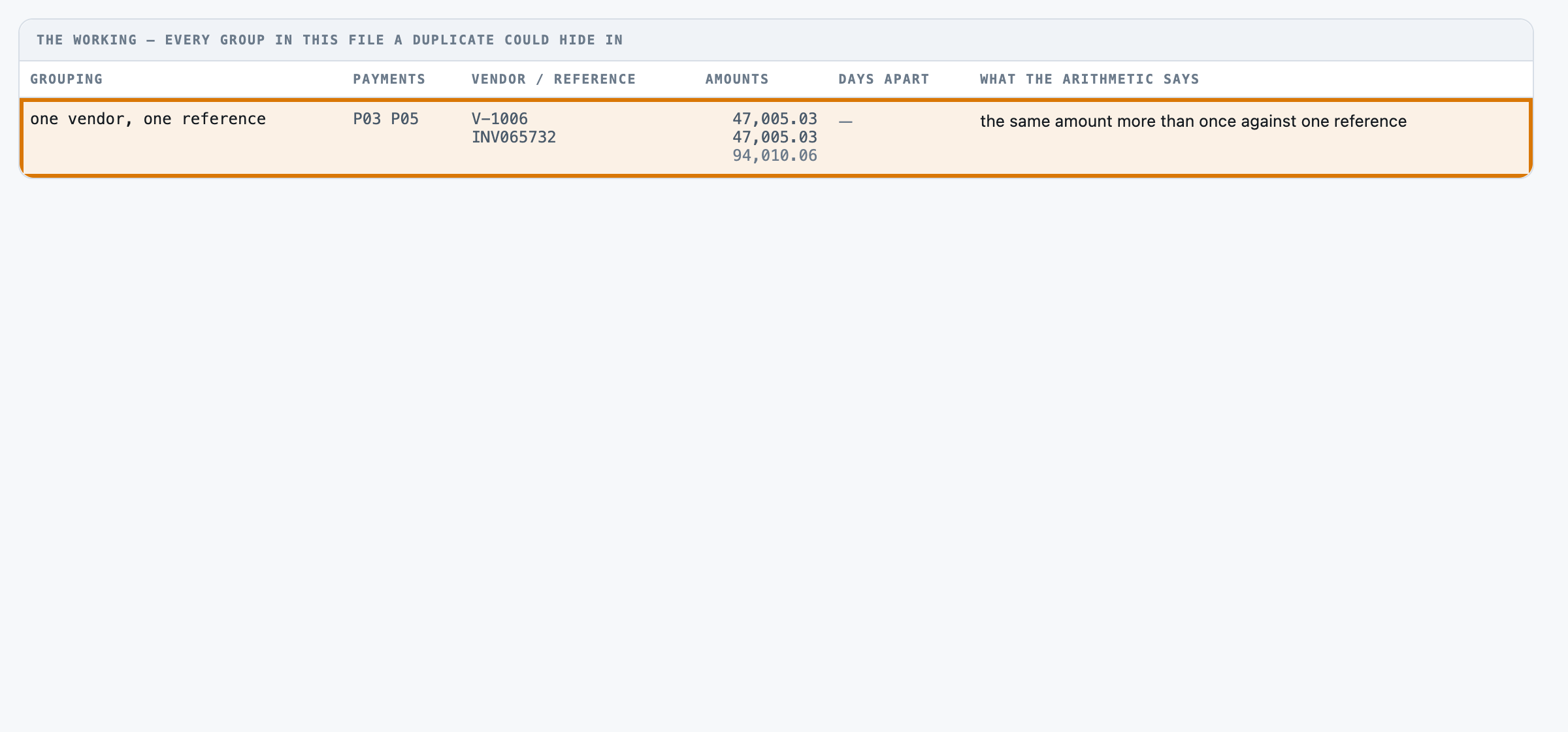
Talbot Bridge Engineering's invoice INV-065732 for $47,005.03 gets paid twice nine days apart, once by check and once by wire.
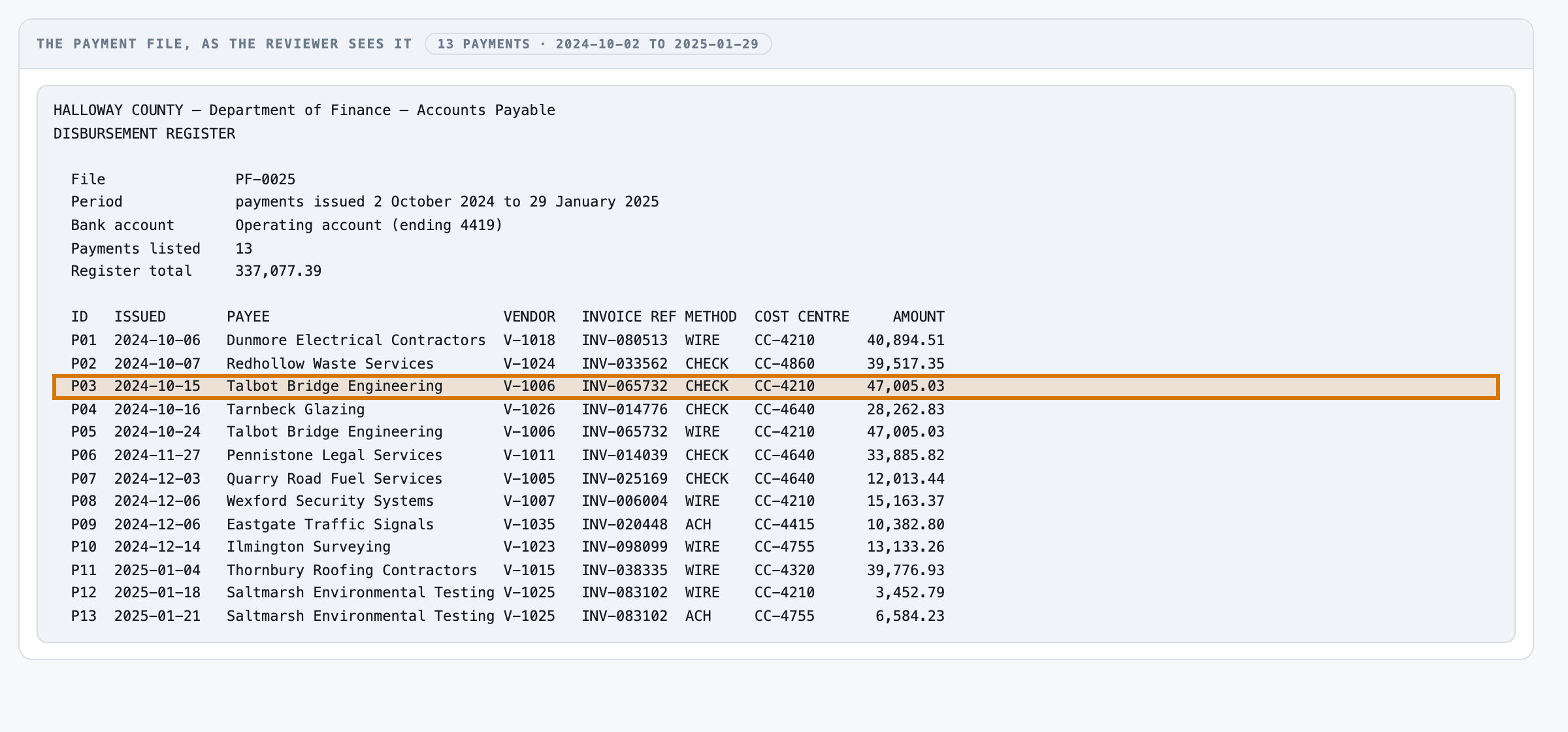
- 1The first payment Talbot Bridge Engineering, paid by check on October 15.
- 2The same company again Same payee, same vendor, paid nine days later.
- 3The app's own finding Same vendor, same invoice reference and amount, paid twice.
- 4The proof it cites One vendor record, one invoice reference, paid twice in this file.
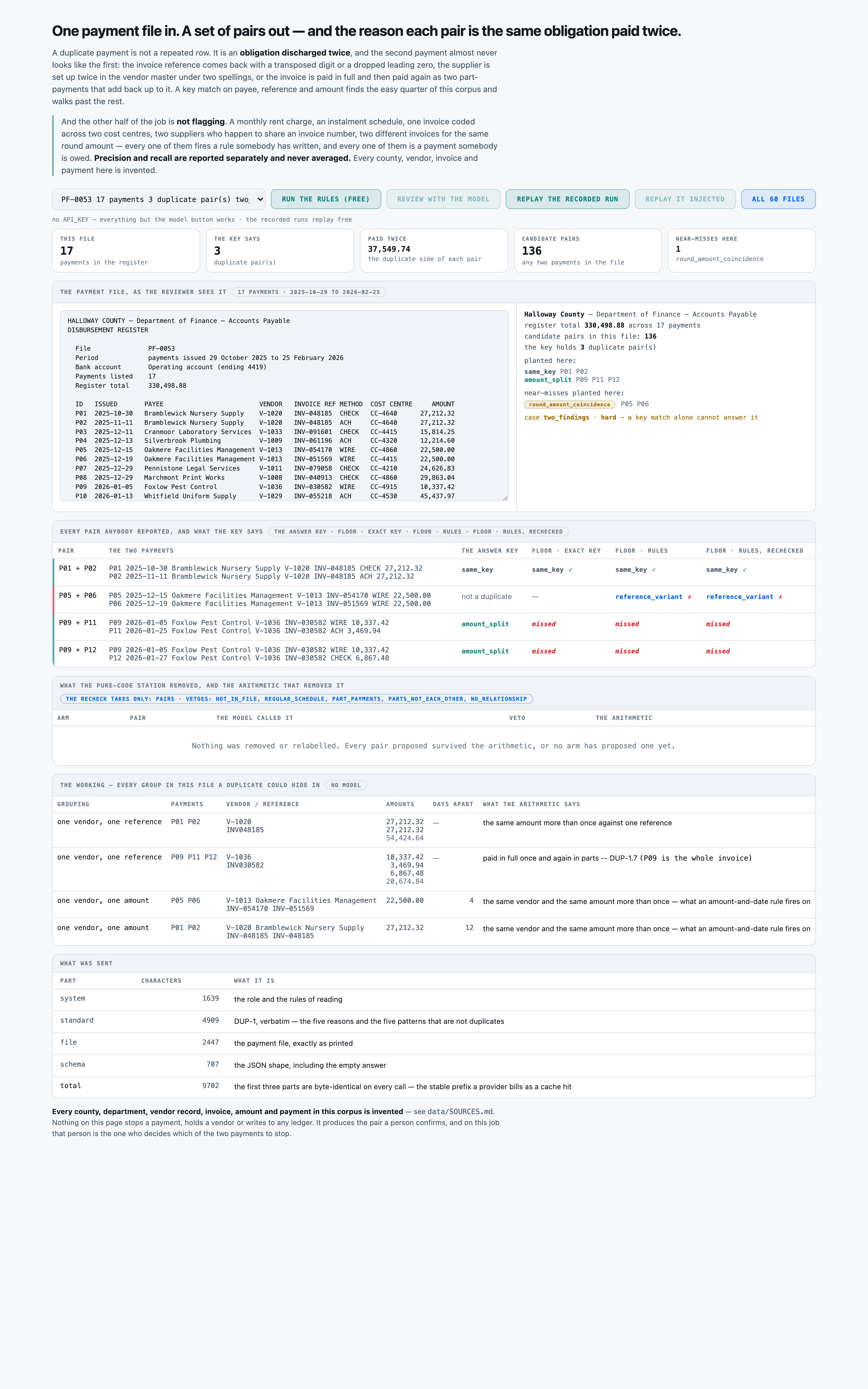
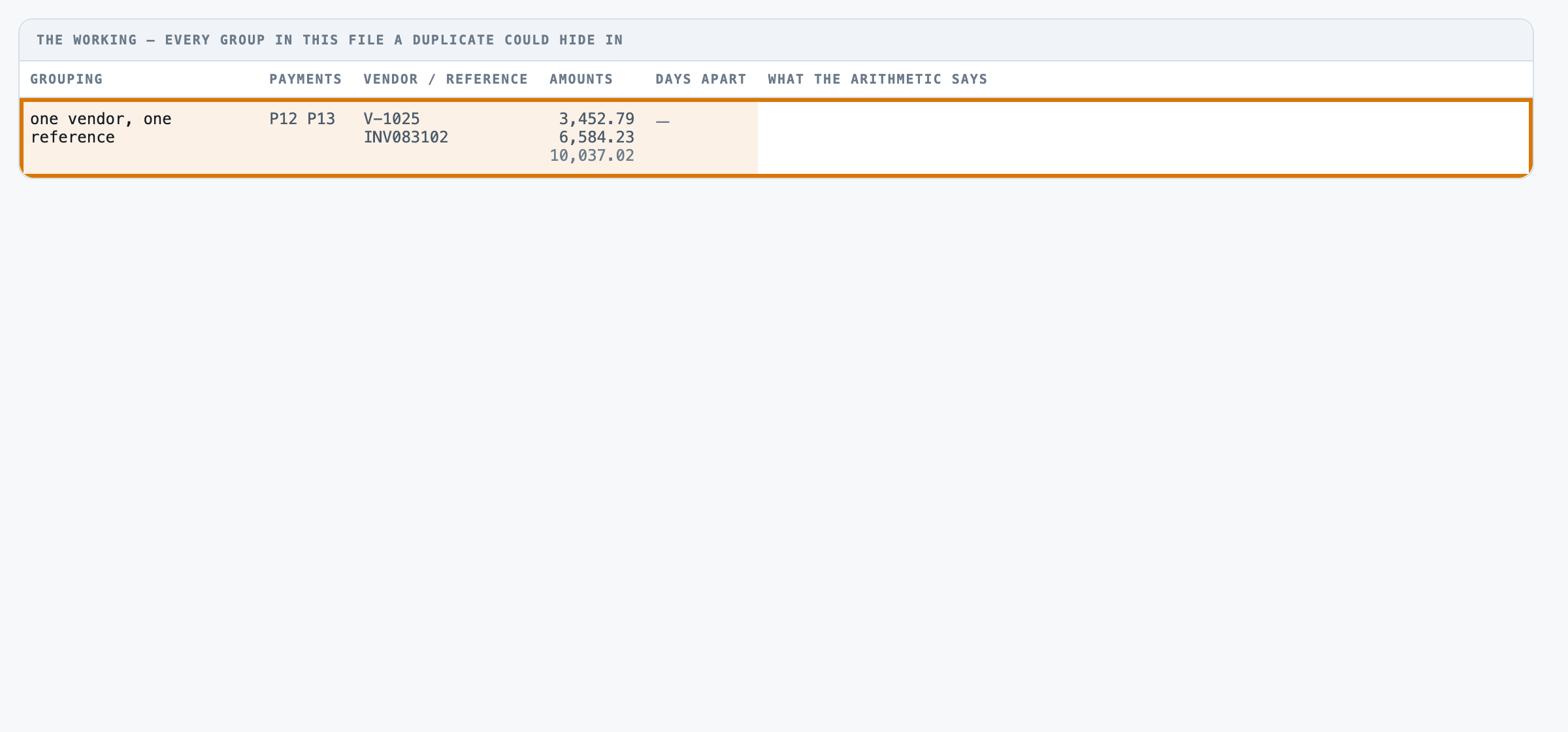
- 5What does not count Two payments split across cost centres for the same invoice, left alone.
For engineers
How it is built, and how we measured it
All fourteen steps of the build are written up, from the business case to running it in your own environment.
100%of the double-paid money foundmeasured in 06 Evals →
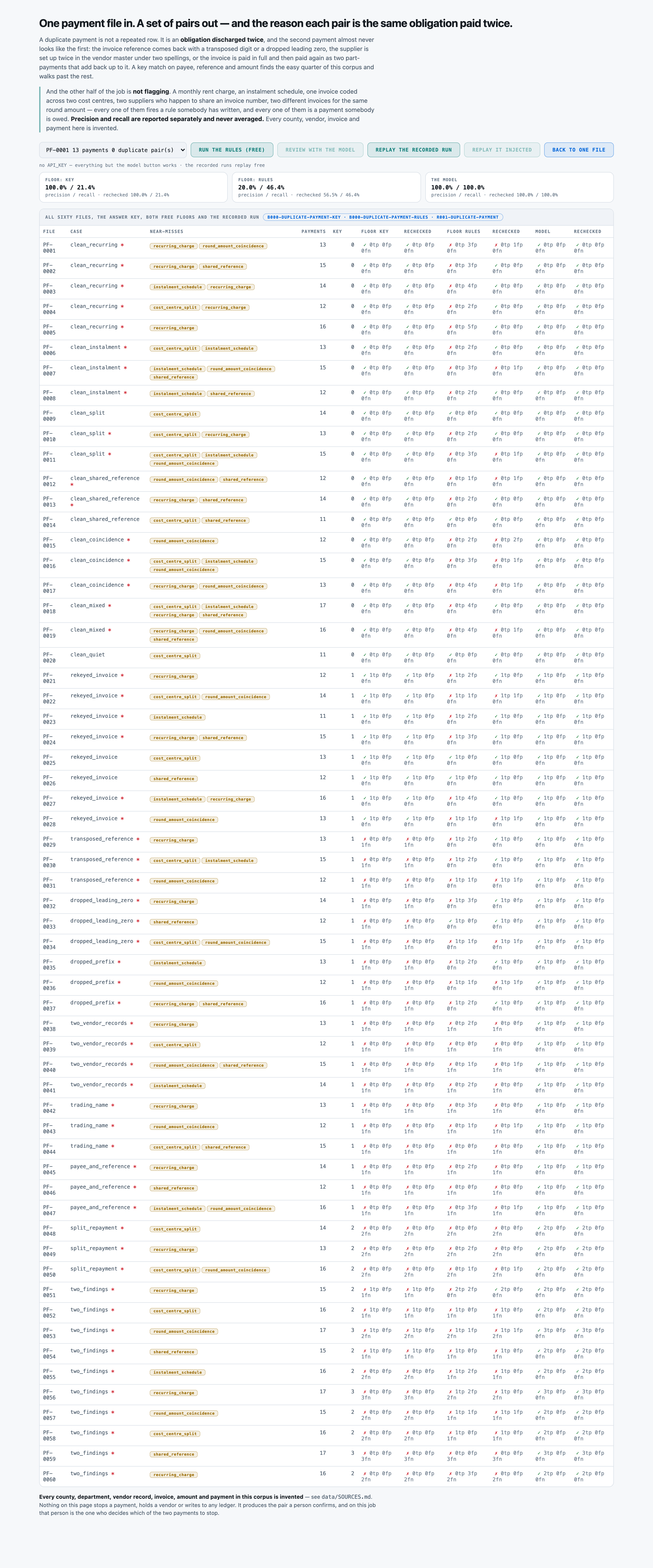
56 of 56duplicate pairs found, none missedmeasured in 06 Evals →
0 of 60files with a wrong flagmeasured in 06 Evals →
1.5¢to check one payment filemeasured in 07 Unit cost →
The build, step by step
14 steps06 Evals · the graders
Make it yours
What you see is a reference app. We shape it to how you work.
Every part of it is built to change, and none of it means starting over.
Your rulesYour own thresholds for a duplicate: reference match, amount split, time window, whatever your policy sets.
Your recordsYour own disbursement register, in the format your finance system already prints.
Your systemsReads from your payment or ERP system, and flags a pair before the second payment posts.
Your screensThe fields, vendor names and cost centre codes your own accounts payable team already uses.
Want this for your team?
Talk to us
We can run this on your own payment register, connected to your own systems, inside your environment.
Talk to us →